Zoho Sheet
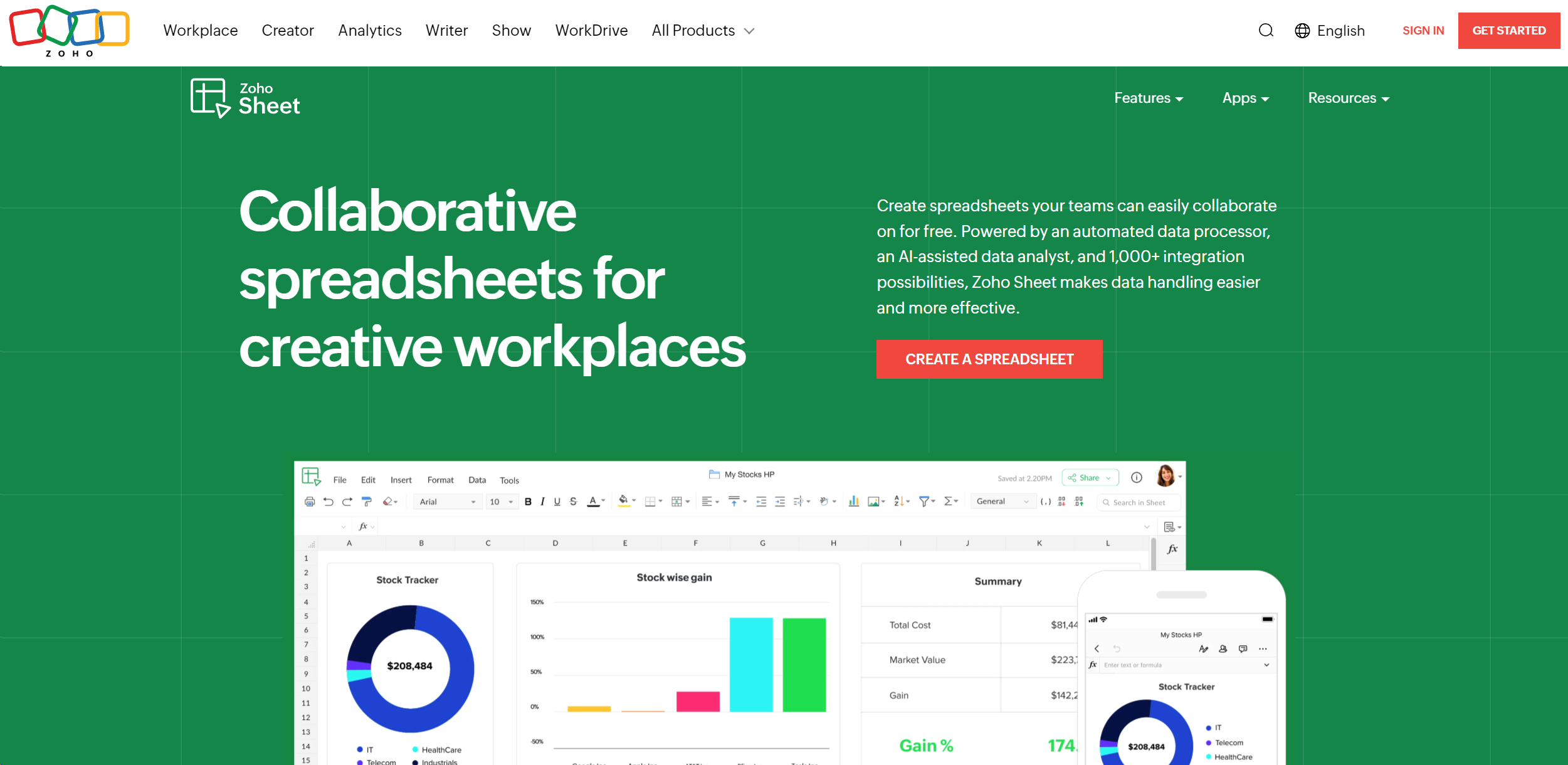
Create, analyze, and collaborate on spreadsheets seamlessly online.
About Zoho Sheet
Advertiser Disclosure: Futurepedia.io is committed to rigorous editorial standards to provide our users with accurate and helpful content. To keep our site free, we may receive compensation when you click some links on our site.
Key Features
- Automated Data Processor: Simplifies data handling by automating repetitive tasks, reducing human error.
- AI-Assisted Data Analyst: Uses advanced AI for insights, reports, and data interpretation, enhancing complex analysis.
- Comprehensive Integration Capabilities: Integrates with over 1,000 Zoho applications and cloud-based software, ensuring smooth workflows.
- Real-Time Collaboration: Allows simultaneous work with locking cells, tracking changes, and managing versions effectively.
Pros
- Highly Customizable: Tailor spreadsheets with interactive elements like drop-down menus and check boxes.
- Cross-Platform Accessibility: Access via web browsers, iOS, and Android apps for productivity on the go.
- Excel Compatibility: Smooth transition from Excel with no loss of formatting, ideal for Excel users.
- Advanced Charting and Pivot Tables: Offers nearly 40 chart types and dynamic pivot table builders for visual data analysis.
Cons
- Learning Curve: New users may require time to familiarize themselves with advanced features.
- Internet Dependency: Relies on a stable internet connection for uninterrupted access.
- Feature Overload: Extensive features and integrations can overwhelm basic users.