Vmake
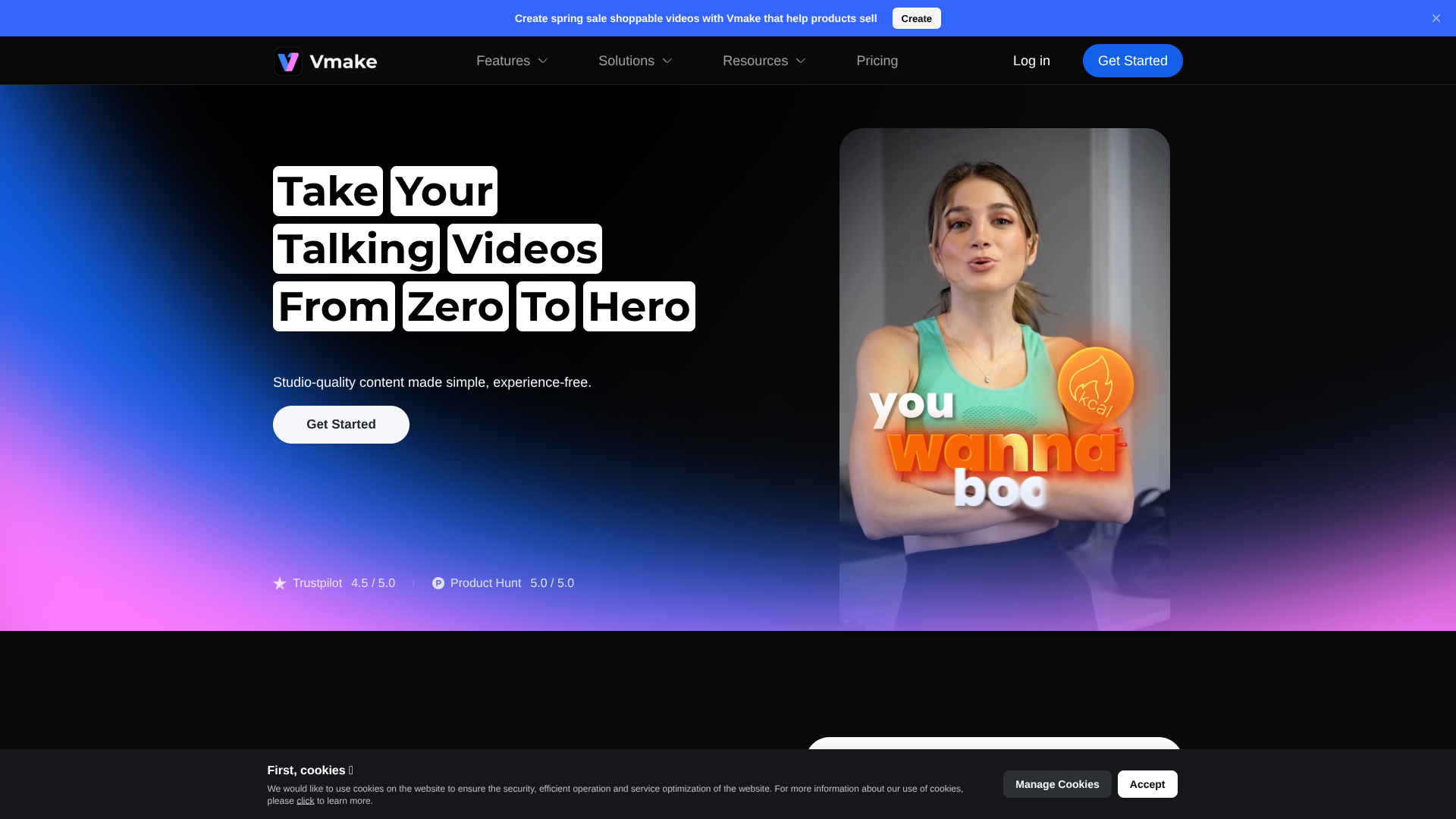
Record, polish, caption, and reuse talking clips.
About Vmake
Advertiser Disclosure: Futurepedia.io is committed to rigorous editorial standards to provide our users with accurate and helpful content. To keep our site free, we may receive compensation when you click some links on our site.
Key Features
- AI talking video studio: Tools for UGC-style videos, viral video cloning, AI avatar generation, hook and caption generation, and product video templates, all tuned for social platforms.
- AI enhancement suite: Video upscaling, denoising, sharpening, audio clean-up, and background removal to turn low-quality clips into sharper, cleaner content in a few clicks.
- Auto captions and transcription: Automatic speech-to-text with styled captions, plus video and audio transcription to reuse scripts, repurpose content, or edit by text.
- AI image and thumbnail tools: Image enhancement, watermark removal, AI image generation and an AI thumbnail maker for scroll-stopping cover images and product photography.
- AI Teleprompter (mobile app): An app-only teleprompter that scrolls scripts while recording, helping presenters maintain eye contact and natural delivery on camera.
Pros
- Built around talking videos: Every major feature is oriented toward face-to-camera, short-form and product explainers, so creators are not wading through irrelevant pro-editing tools.
- Strong quality boost for everyday footage: The enhancer, denoiser and upscaler can rescue noisy phone clips and improve clarity for platforms that punish low-quality uploads.
- Fast repurposing workflow: Watermark and text removal, captioning, and transcription make it practical to recycle old assets or cross-post clips between platforms.
- Cross-device availability: A browser-based editor, mobile apps, and a Chrome extension give creators flexibility in how and where they work.
- Social proof and creator focus: Ratings surfaced from Trustpilot and Product Hunt plus industry-specific pages for agencies, e-commerce, fitness and real estate indicate a creator-centric roadmap.
Cons
- Not a full nonlinear editor: Compared with traditional NLEs, timeline-level control, multi-layer compositing, and detailed audio mixing appear limited.
- Cloud dependency: Processing higher resolutions or longer clips will depend on queue times and network speed, which some users may find slow compared with local tools.
- Mixed third-party anecdotes on billing/support: A few external user reports mention subscription and support frustrations, so cautious users may prefer starting on the free tier before upgrading.