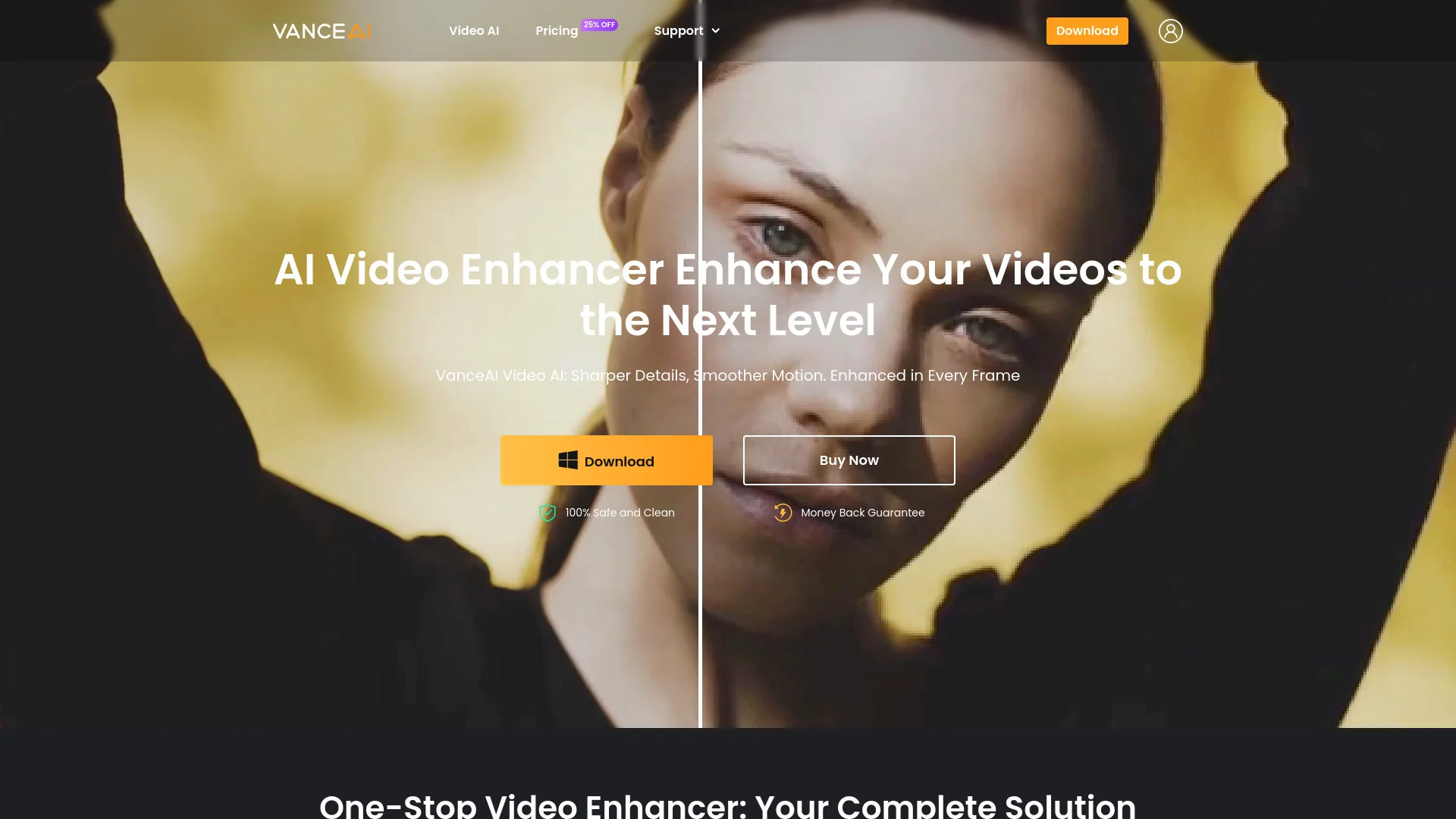
Vance Video AI
Enhance video quality with AI upscaling, denoising, stabilization.
About Vance Video AI
Advertiser Disclosure: Futurepedia.io is committed to rigorous editorial standards to provide our users with accurate and helpful content. To keep our site free, we may receive compensation when you click some links on our site.
Key Features
- AI Video Upscaler: Transforms low-resolution videos into stunning 4K and 8K quality, enhancing every pixel for vibrant colors and sharp details.
- AI Denoiser: Eliminates noise and grain from videos, restoring original detail and texture for a polished final result.
- AI Deinterlace: Converts interlaced video into smooth, progressive frames, enhancing image clarity and motion smoothness.
- AI Deshake: Stabilizes shaky footage with a single click, delivering professional-looking, stable videos.
Pros
- Time Efficiency: Significantly reduces the time required for video enhancement with automated processes.
- User-Friendly Interface: Offers an intuitive design that simplifies the video editing workflow.
- High-Quality Output: Delivers exceptional video quality, making it suitable for professional use.
- Versatile Tools: Provides a wide range of features to cater to various video editing needs.
Cons
- Initial Learning Curve: May require some time to fully explore and utilize all advanced features.
- Limited Free Trials: Offers only three free trials per month before requiring a subscription.