Smartsheet
Streamline workflows, automate tasks, enhance team collaboration.
About Smartsheet
Advertiser Disclosure: Futurepedia.io is committed to rigorous editorial standards to provide our users with accurate and helpful content. To keep our site free, we may receive compensation when you click some links on our site.
Key Features
- Automation: Smartsheet's powerful automation capabilities allow for the creation of intelligent workflows that reduce manual tasks and improve efficiency.
- Team Collaboration: The platform fosters team collaboration by providing shared views, updates, and real-time editing.
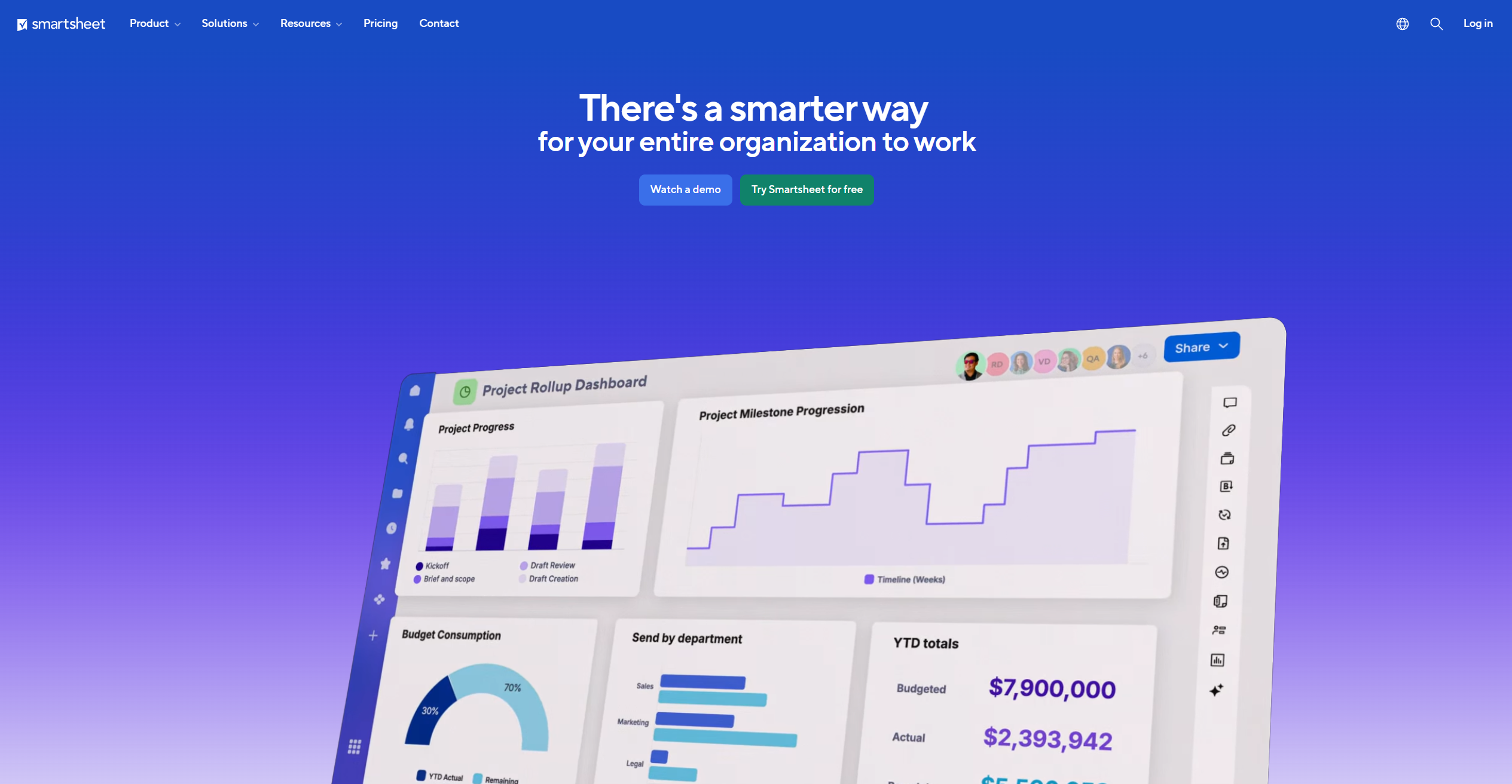
- Dashboards and Reporting: With customizable dashboards and reporting tools, users can gain insights into project performance and make data-driven decisions.
- Integration Capabilities: Smartsheet boasts extensive integration options with popular tools like Microsoft Teams, Google Workspace, and more, ensuring seamless workflow across various platforms.
- No Code Work Apps: The tool includes features for building custom applications without the need for coding, making it accessible to users without technical expertise.
Pros
- Enhanced Productivity: Automates repetitive tasks and streamlines project management processes.
- Scalability: Adapts to a wide range of business sizes and types, from small teams to large enterprises.
- User-Friendly Interface: Despite its extensive functionalities, Smartsheet maintains an intuitive interface that is easy to navigate.
- Strong Security Measures: Offers robust security features, ensuring data integrity and compliance with industry standards.
Cons
- Learning Curve: New users may require some time to fully leverage the extensive features offered by the platform.
- Cost Implication: While offering significant value, Smartsheet can be considered pricey for smaller businesses or startups.
- Heavy Reliance on Internet: Being a cloud-based platform, a stable internet connection is crucial for uninterrupted access.