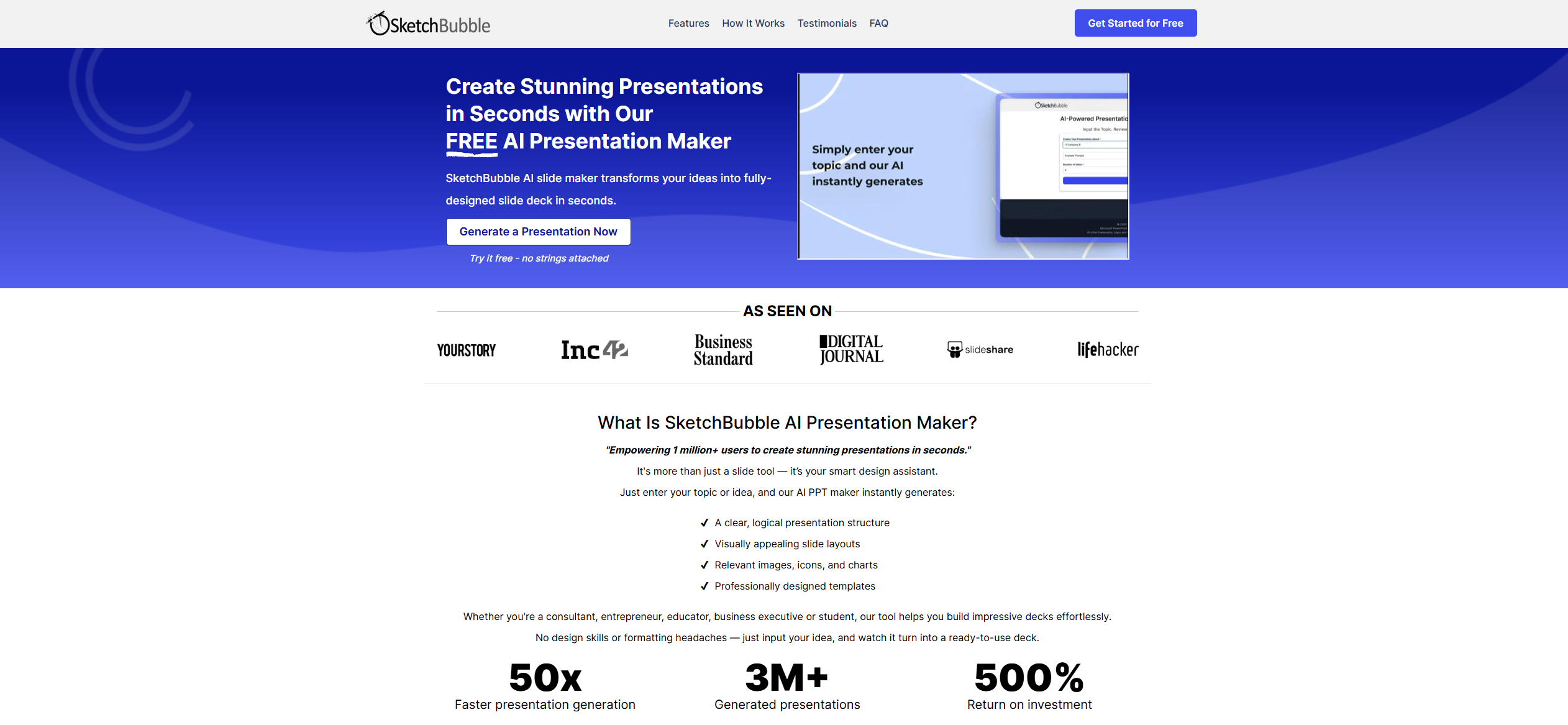
SketchBubble AI
Create stunning presentations with AI.
About SketchBubble AI
Advertiser Disclosure: Futurepedia.io is committed to rigorous editorial standards to provide our users with accurate and helpful content. To keep our site free, we may receive compensation when you click some links on our site.
Key Features
- AI-Powered Slide Design: Utilizes AI algorithms to generate aesthetically pleasing slides, saving users time on design.
- Customizable Templates: Offers a wide array of pre-designed templates that can be tailored to suit specific presentation needs.
- Image and Icon Library: Provides access to an extensive library of images and icons that can be easily integrated into presentations.
- Real-Time Collaboration: Facilitates collaboration among team members, allowing for simultaneous editing and feedback.
Pros
- User-Friendly: Intuitive interface makes it easy for users of all skill levels to create professional presentations.
- Time-Saving: Automates many design tasks, significantly reducing the time required to create presentations.
- High-Quality Designs: Ensures that presentations are visually appealing and professionally designed.
- Versatile: Suitable for various industries and presentation types, from business meetings to educational lectures.
Cons
- Limited Customization for Advanced Users: While great for beginners, users looking for extensive customization might find it somewhat restrictive.
- Internet Dependency: Requires an internet connection for optimal performance and access to full features.
- Learning Curve for Team Features: Some users may find the collaboration features challenging to navigate initially.