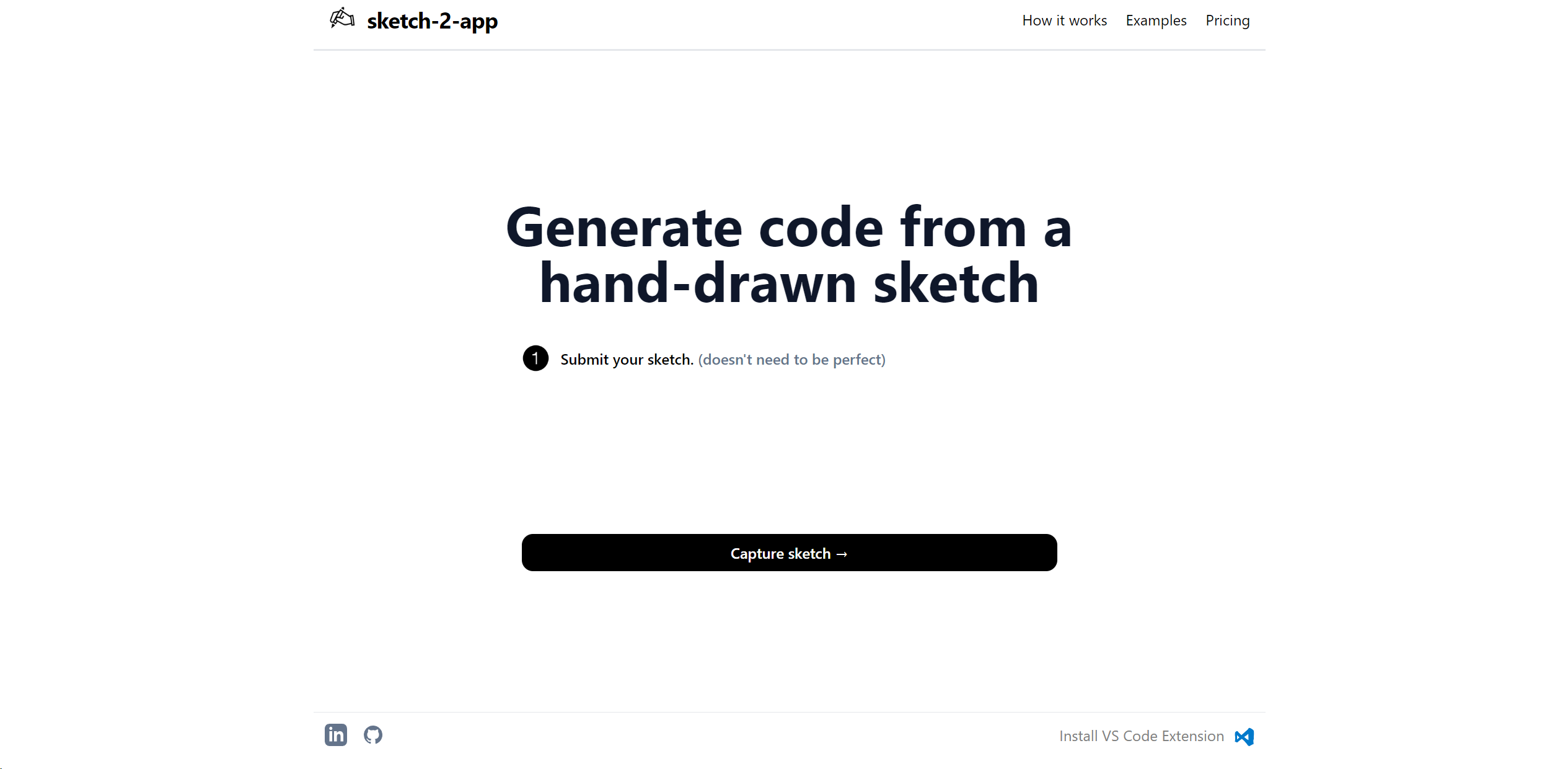
Sketch2App
Transform sketches to interactive app prototypes.
About Sketch2App
As someone who has spent considerable time exploring and utilizing
Key Features
- AI-Powered Prototyping: Turns hand-drawn sketches into interactive prototypes using advanced AI technology.
- User Interface Generation: Automatically generates user interface elements from sketches.
- Code Export: Provides the ability to export prototype elements into usable code for development.
- Real-Time Collaboration: Facilitates team collaboration on projects in real-time.
Pros
- Rapid Prototyping: Accelerates the transition from concept to prototype, saving valuable time.
- Accessibility: Makes app development more accessible to non-coders and designers.
- Enhanced Productivity: Streamlines the design and development workflow.
- Cost-Effective: Reduces the need for multiple software tools, lowering overall project costs.
Cons
- Fidelity Limitation: May not always capture the full intricacies of a designer's vision in the prototype.
- Learning Curve: New users may require some time to get accustomed to the tool's AI capabilities.
- Feature Limitations: While powerful, it may not yet fully replace the need for manual coding in complex app development.