Shortwave
AI-powered email tool enhances productivity and organization.
About Shortwave
Advertiser Disclosure: Futurepedia.io is committed to rigorous editorial standards to provide our users with accurate and helpful content. To keep our site free, we may receive compensation when you click some links on our site.
Key Features
- AI Email Assistant: Write full emails quickly using AI or employ predictive autocomplete for smarter suggestions.
- AI-Powered Search: Quickly find the exact emails you need with AI-enhanced search capabilities.
- Email Summarization: Instantly summarize emails with a smart tl;dr feature at the top of every message.
- Smart Scheduling: Generate AI-driven meeting invites and schedule emails effortlessly.
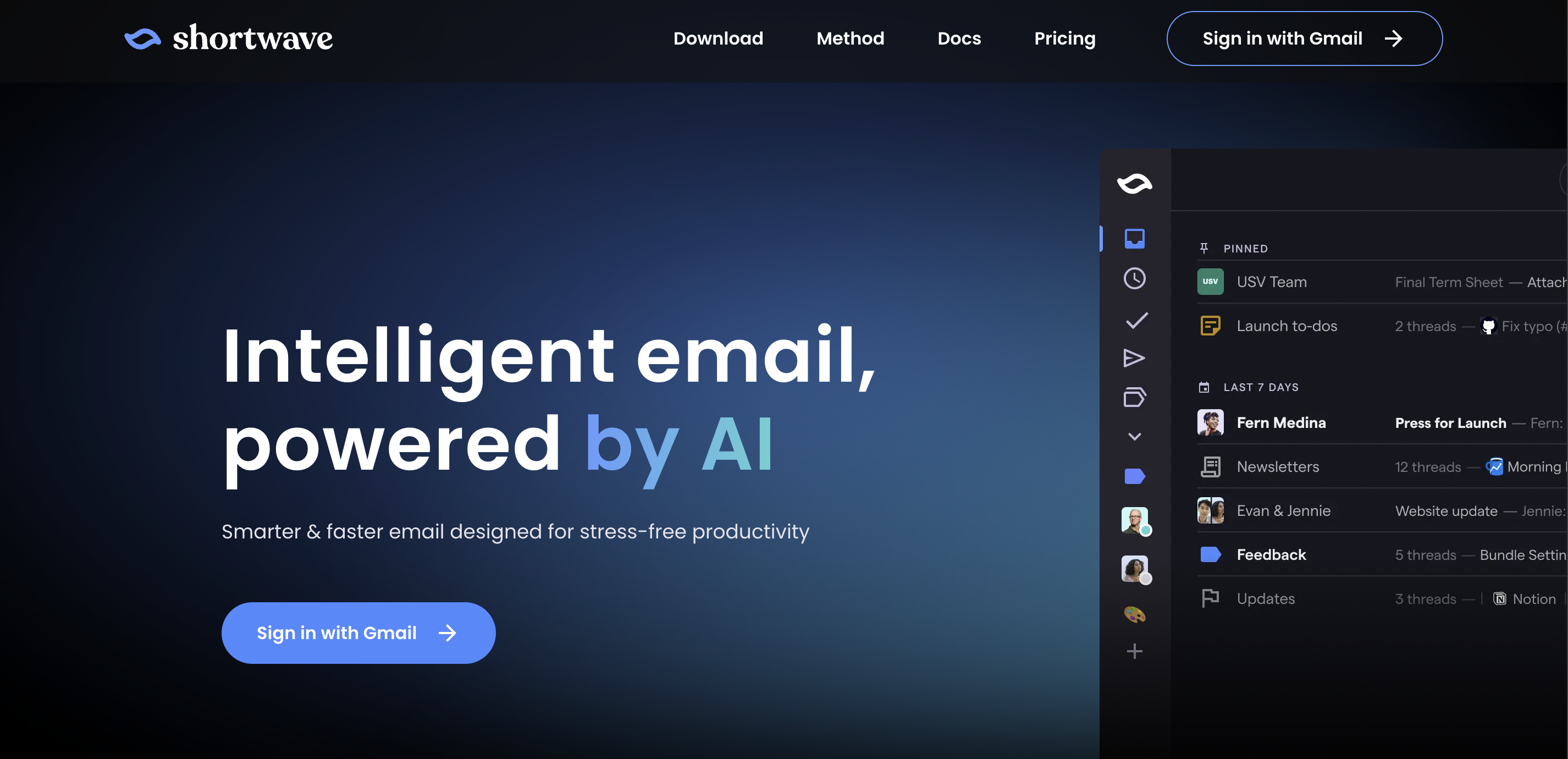
- Organizational Tools: Bundle emails, automatically apply labels, and transform emails into to-do lists to keep your inbox organized.
- Productivity Enhancements: Utilize read receipts, block spammy senders, and navigate entirely via keyboard with extensive shortcut support.
Pros
- Enhanced Productivity: Tools like email bundling and AI-powered search significantly reduce the time spent managing emails.
- Customizable Organization: Features like email bundling and auto-labeling help users maintain a clean and organized inbox.
- Intuitive User Interface: The user-friendly design makes it easy to navigate and utilize all features effectively.
- Cross-Platform Availability: Available on iOS, Android, Mac, and Windows, ensuring accessibility across devices.
Cons
- Learning Curve: New users may require some time to fully utilize all advanced features.
- Platform Limitation: Currently limited to integration with Gmail, which might be restrictive for users of other email services.
- Dependency on AI: Some users might find the AI features overly intrusive or prefer more manual control over their email management.