RowSpeak
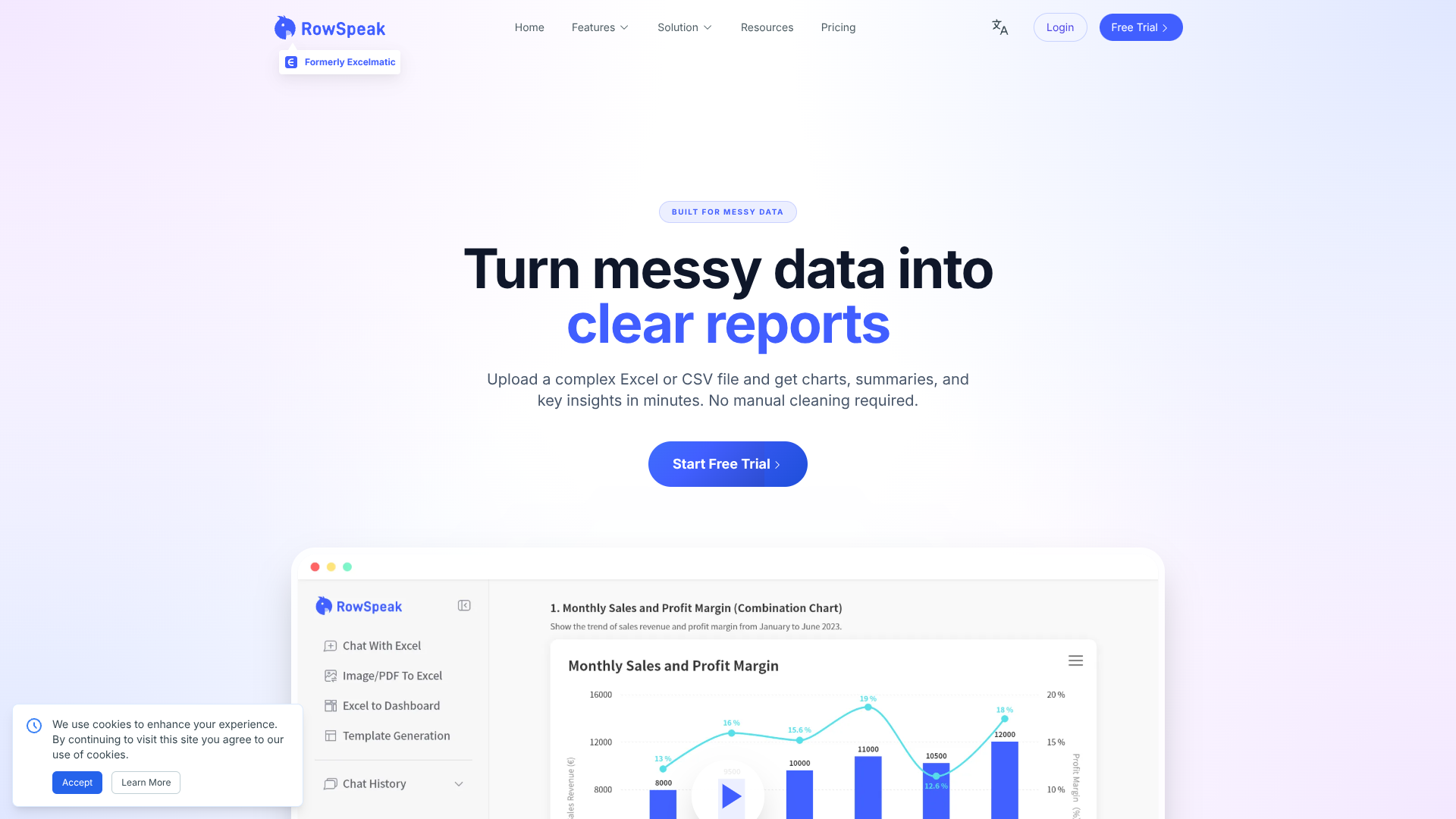
Turn messy spreadsheets into clear, ready reports.
About RowSpeak
Advertiser Disclosure: Futurepedia.io is committed to rigorous editorial standards to provide our users with accurate and helpful content. To keep our site free, we may receive compensation when you click some links on our site.
Key Features
- AI Spreadsheet Assistant: Users can ask questions about Excel-style data in plain English and get instant aggregations, filters, and charts without formulas or SQL.
- Messy Data Understanding: Automatically detects headers, dimensions, measures, and likely business semantics, even with inconsistent naming, missing values, or shifting export formats.
- Business-Aware AI Analysis: Infers core metrics, highlights trends, flags anomalies, and organizes output around common business questions instead of only listing raw tables.
- Report-Quality Output: Generates charts, structured text summaries, and “numbers with context” that look ready for slide decks, email updates, or Slack threads.
Pros
- Huge time savings for operators: Routine spreadsheet clean-up and pivoting that once took hours can drop to a few minutes per file.
- Friendly for non-analysts: Plain-language interactions and guided UI suit users who are not fluent in advanced Excel or BI tools.
- Strong data protection posture: SOC 2 Type II, GDPR and CCPA alignment, plus end-to-end encryption, suit financial and operational data.
- Flexible deployment options: Cloud product with on-premises deployment available for organizations with strict security or compliance rules.
Cons
- Limited public pricing detail: Exact plan tiers and usage limits are not clearly listed in the publicly available materials.
- File-centric focus: Best suited to Excel and CSV exports, so it complements rather than replaces warehouse-centric BI for some companies.
- AI outputs still need review: Metric definitions and field mappings occasionally need correction, which requires users to validate key results.