Renamer.ai
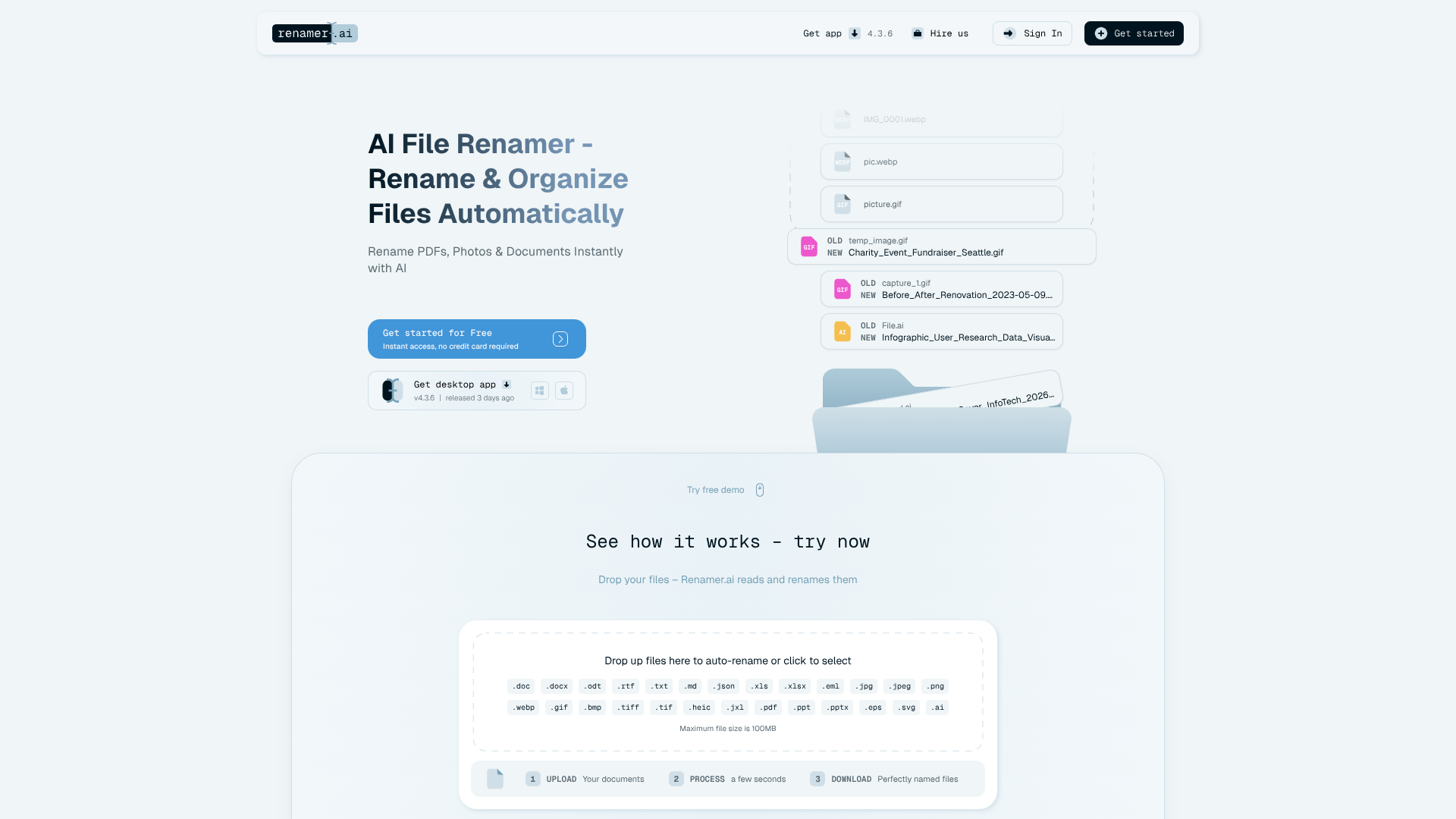
Auto-renames messy files using content into clear labels.
About Renamer.ai
Advertiser Disclosure: Futurepedia.io is committed to rigorous editorial standards to provide our users with accurate and helpful content. To keep our site free, we may receive compensation when you click some links on our site.
Key Features
- AI content-aware renaming: Uses OCR, natural language processing, and computer vision to rename 30+ file types based on real content instead of just metadata.
- Magic Folders automation: Monitors chosen folders and automatically renames incoming files in the background according to set rules.
- Custom naming templates: Drag-and-drop template builder that combines variables such as dates, document types, companies, amounts, project names, and custom fields.
- Bulk renaming with safety controls: Processes batches of files at once, with previews and undo options to avoid accidental mistakes.
- Multilingual support and integrations: Handles 20+ languages, supports files up to 100MB, offers both desktop and web access, and provides API options for custom workflow integrations.
Pros
- Huge time saver: Dramatically cuts manual renaming for invoices, statements, contracts, and project files.
- Strong for ongoing workflows: Magic Folders keep Downloads and shared folders tidy without constant user attention.
- Privacy conscious: Enterprise-grade encryption, short file retention, and clear “not a storage service” positioning appeal to compliance-focused teams.
- Scalable setup: Works for solo freelancers, small businesses, and enterprises through templates, higher-volume plans, and consulting services.
Cons
- Monthly file limits: Heavy users may hit plan caps quickly and need higher tiers or custom solutions.
- Cloud-based processing: Not ideal for organizations that require fully offline document handling.
- Variable accuracy on messy input: Handwritten notes or very poor scans can reduce naming quality and require manual checks.