PopTask
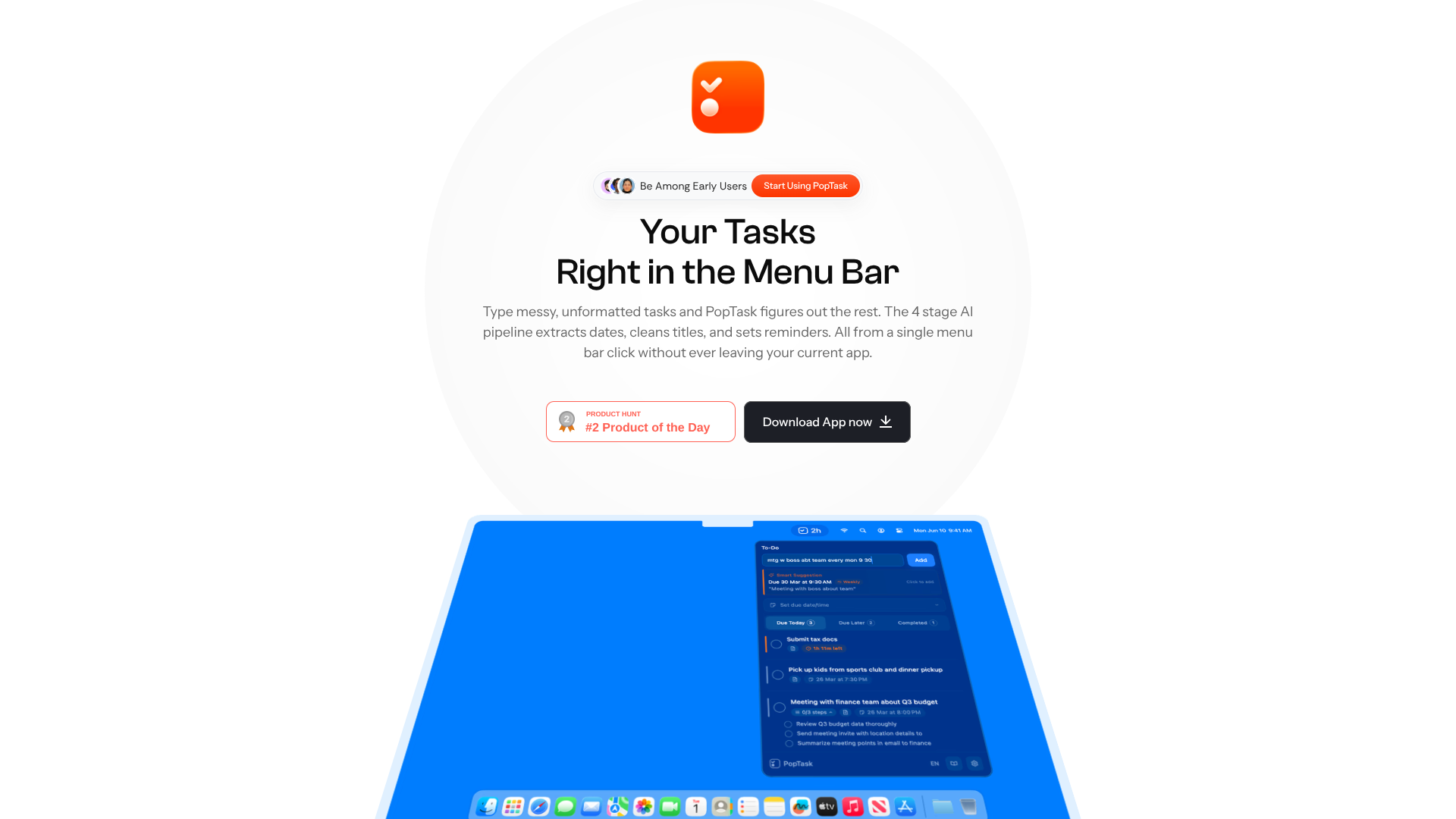
Convert messy text into timed Mac menu‑bar tasks.
About PopTask
Advertiser Disclosure: Futurepedia.io is committed to rigorous editorial standards to provide our users with accurate and helpful content. To keep our site free, we may receive compensation when you click some links on our site.
Key Features
- AI smart task entry: Plain text like “call dad in 20 min” or “dentist Friday at 2pm” is auto converted into a structured task with title, date, time, and optional recurrence.
- Hybrid on-device and cloud AI: Most date and time parsing runs locally for speed and privacy, with cloud AI stepping in only when the local engine cannot confidently interpret the input.
- AI task breakdown: A single tap on any task generates three focused subtasks, each with its own checkbox, aimed at preparation, execution, and follow up.
- Live countdown and alerts: Every task shows a live countdown timer in the interface, with native macOS notifications and overdue alerts surfacing items that need attention.
- Recurring tasks and smart snooze: Supports daily, weekday, weekly, and monthly repeats, plus snoozing via presets or natural language such as “in 2 hours” or “Thursday 3pm.”
- Multilingual natural language parsing: The AI understands date and time phrases in nine languages, while the interface itself adapts to seven, making it practical for multilingual users.
- Menu bar, focus-first layout: No projects, boards, or tags; the menu bar popover shows Due Today, Due Later, and Completed lists to reduce visual clutter.
- Privacy-first storage: Tasks are stored locally, with text sent to servers only when needed for complex parsing and not logged or retained.
Pros
- Fast capture with minimal context switching: Instant menu bar access keeps users inside their current app.
- Excellent handling of messy input: Slang, abbreviations, and vague phrasing are interpreted reliably.
- Supportive for time-blind or ADHD users: Live countdowns and urgency cues make deadlines feel concrete.
- Strong privacy posture: Local storage, no account requirement, and minimal external processing.
- Offline friendly: Core task management functions continue to work without an internet connection.
Cons
- Mac only: No official iOS, iPadOS, Windows, or web versions, and no sync across devices.
- Limited organizational structure: Lack of tags, projects, or kanban views may frustrate power users with complex setups.
- Early stage product: “Be among early users” messaging reflects a smaller ecosystem and fewer third party resources for now.