Pixelicious
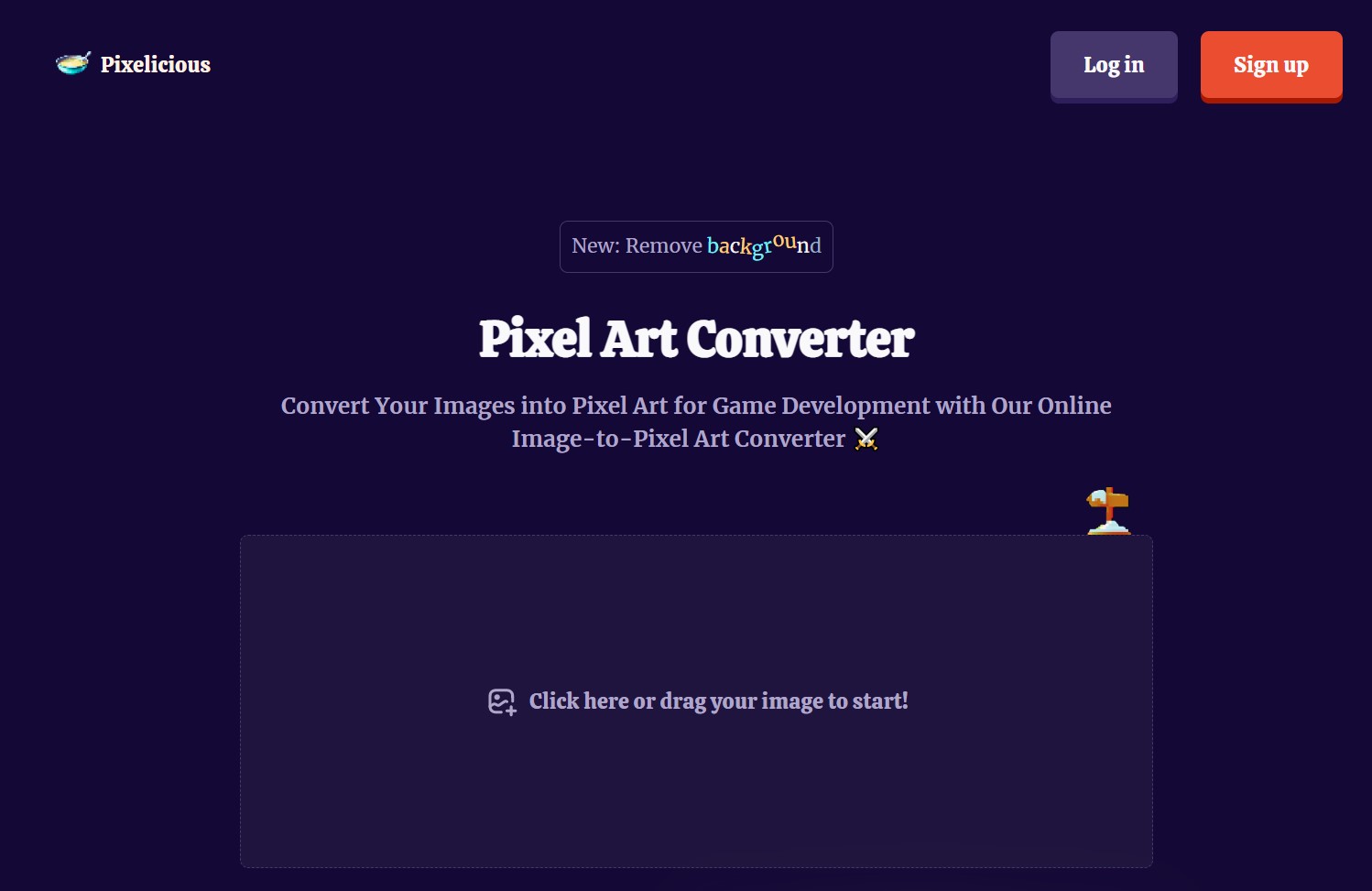
Transform images into pixel art effortlessly online; background removal included.
About Pixelicious
Transform images into pixel art effortlessly online; background removal included.
Key Features
- Pixel Art Conversion: Transforms high-resolution images into pixel art with a few simple clicks, catering to the needs of game developers and digital artists.
- Background Removal: Offers the capability to remove backgrounds from images, which is especially useful for integrating characters and objects into game scenes seamlessly.
- User-Friendly Interface: Boasts an intuitive design that allows users to start converting images quickly without a steep learning curve.
- Online Accessibility: Being a web-based tool, it provides the convenience of converting images into pixel art from anywhere, without the need for software installation.
Pros
- Time-Saving: Dramatically reduces the time required to create pixel art from existing images, allowing artists to focus on other creative aspects of their projects.
- Cost-Effective: Eliminates the need for expensive software or the outsourcing of pixel art creation, providing a cost-efficient solution.
- Simplicity: The straightforward drag-and-drop functionality makes it accessible even to those with minimal technical skills.
- Quality Results: Delivers high-quality pixel art that maintains the essence of the original image while embracing the pixelated style.
Cons
- Feature Limitations: As a specialized tool, it may not offer the extensive editing features found in full-fledged graphic design software.
- Online Dependency: Requires an internet connection to access and use the tool, which might be a limitation for users in areas with poor connectivity.
- Format Support: There may be restrictions on the types of image formats that can be uploaded and converted.