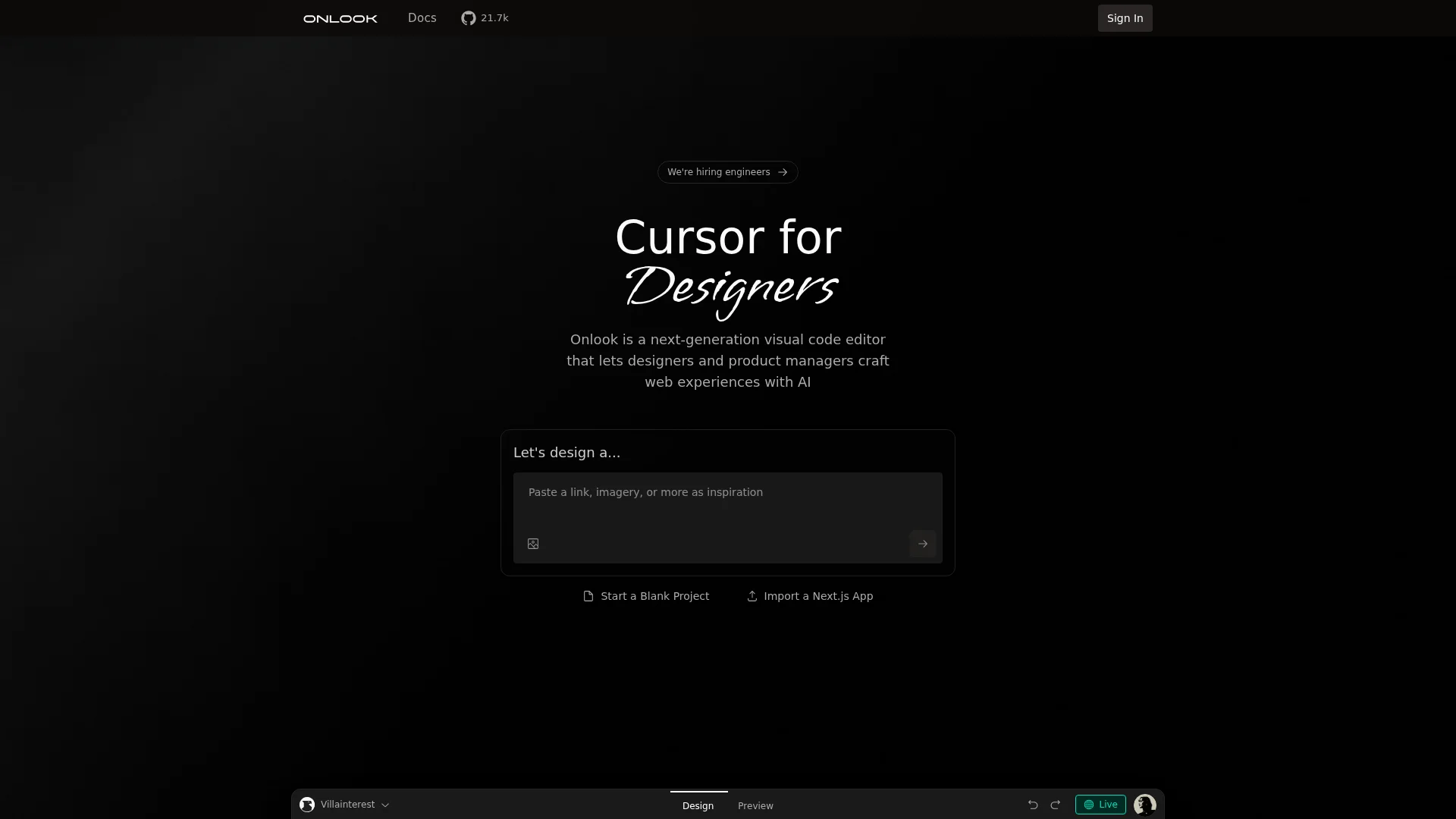
Onlook
Design web experiences effortlessly with visual code editing.
About Onlook
Advertiser Disclosure: Futurepedia.io is committed to rigorous editorial standards to provide our users with accurate and helpful content. To keep our site free, we may receive compensation when you click some links on our site.
Key Features
- Visual Code Editing: Onlook offers a cutting-edge visual editor that allows users to manipulate code visually, making it easier for designers to create and iterate on web designs.
- AI-Powered Design Assistance: The tool leverages AI to provide instant design help and feedback, streamlining the creative process and enhancing productivity.
- Integration with Existing Codebases: Users can import their React, Next.js, or Tailwind codebases, making it easy to integrate Onlook into existing projects.
- Open-Source Community: Onlook is open-source, fostering collaboration and transparency among developers and designers who contribute to its ongoing development.
Pros
- User-Friendly for Non-Coders: Enables designers to work with code without deep programming knowledge.
- Real-Time Design Feedback: AI-driven feedback accelerates the design process, allowing for quick iterations.
- Flexible Integration Options: Supports various codebases, enhancing its adaptability to different projects.
- Collaborative Environment: Open-source nature encourages community involvement and shared innovation.
Cons
- Not Mobile-Friendly: Currently not optimized for mobile devices, limiting its use on smaller screens.
- Learning Curve for Advanced Features: Some users might find the advanced capabilities require time to master.