Moosend
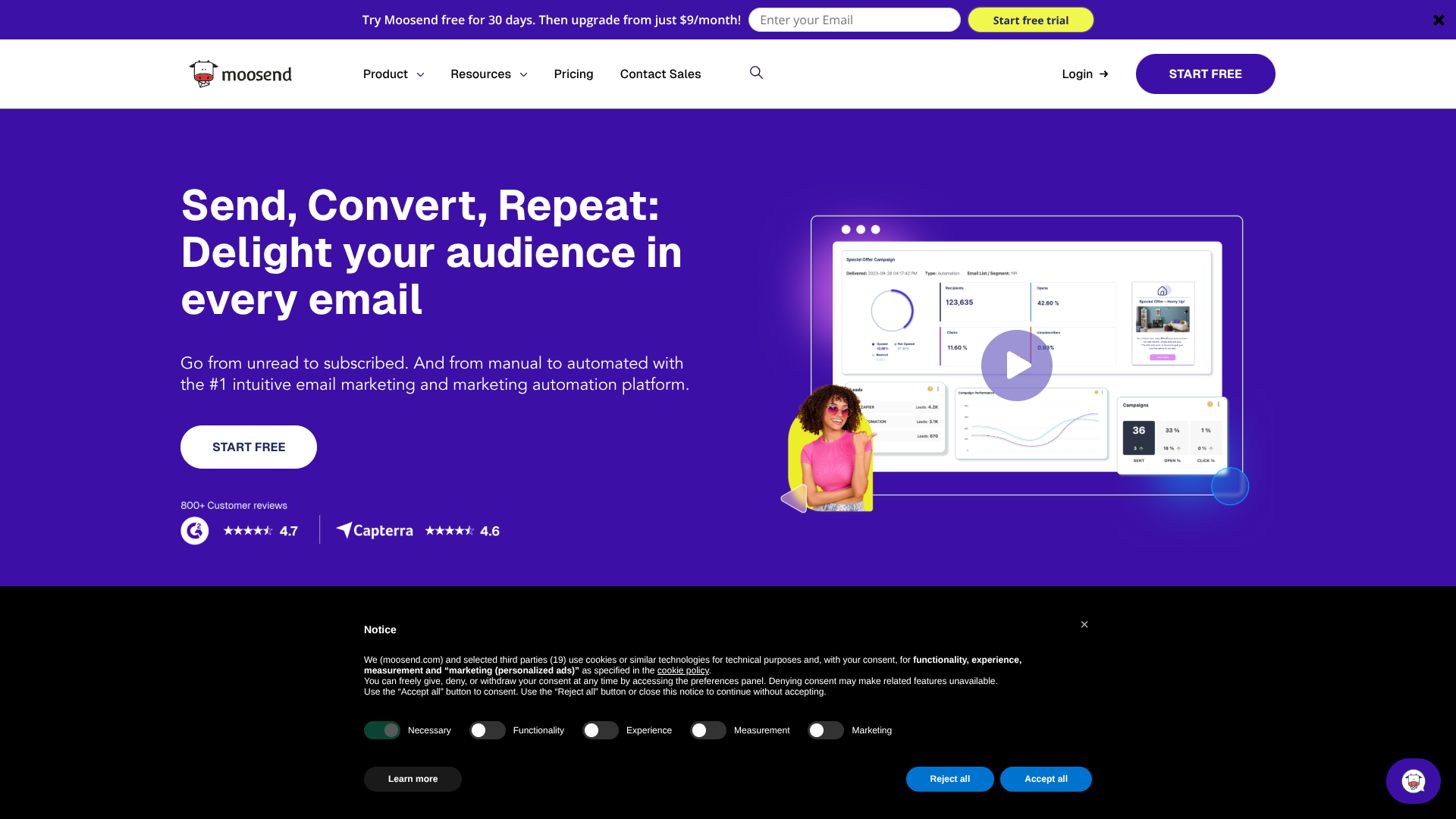
Generate, automate, and track personalized email campaigns.
About Moosend
Advertiser Disclosure: Futurepedia.io is committed to rigorous editorial standards to provide our users with accurate and helpful content. To keep our site free, we may receive compensation when you click some links on our site.
Key Features
- Moosend AI Content & Suggestions: Built-in AI writer to generate or refine email copy, subject lines, and even landing page or form text, guided by brand inputs and audience data.
- Visual Automation Builder: Drag-and-drop workflows with multiple triggers and conditions, supporting abandoned cart flows, onboarding series, post-purchase journeys, and re-engagement paths.
- Email, Landing Page, and Form Builders: Template-based, drag-and-drop editors for newsletters, landing pages, and subscription forms, all wired into tracking, segmentation, and reporting.
Pros
- Strong AI Layer For Marketers: AI writing and product recommendations help non-specialists produce more personalized campaigns quickly.
- All-In-One Feature Set: Email campaigns, automation, landing pages, forms, and transactional emails live under one roof, which simplifies stack management.
- Good Value For Advanced Automation: Pricing and feature access make complex workflows and personalization attainable for smaller teams that usually outgrow entry-level tools.
- User-Friendly Interface: Clean dashboard, visual workflows, and modern editors reduce friction for beginners and experienced marketers alike.
Cons
- Integrations Catalog Smaller Than Giants: Integrates with many popular platforms, but the ecosystem is not as extensive as some long-established rivals.
- Learning Curve On Complex Flows: Power users love the workflow builder, yet new users may need time to get comfortable with multi-branch automations.
- No Long-Term Free Plan: Current model centers on a time-limited trial, so ongoing use requires a paid subscription.