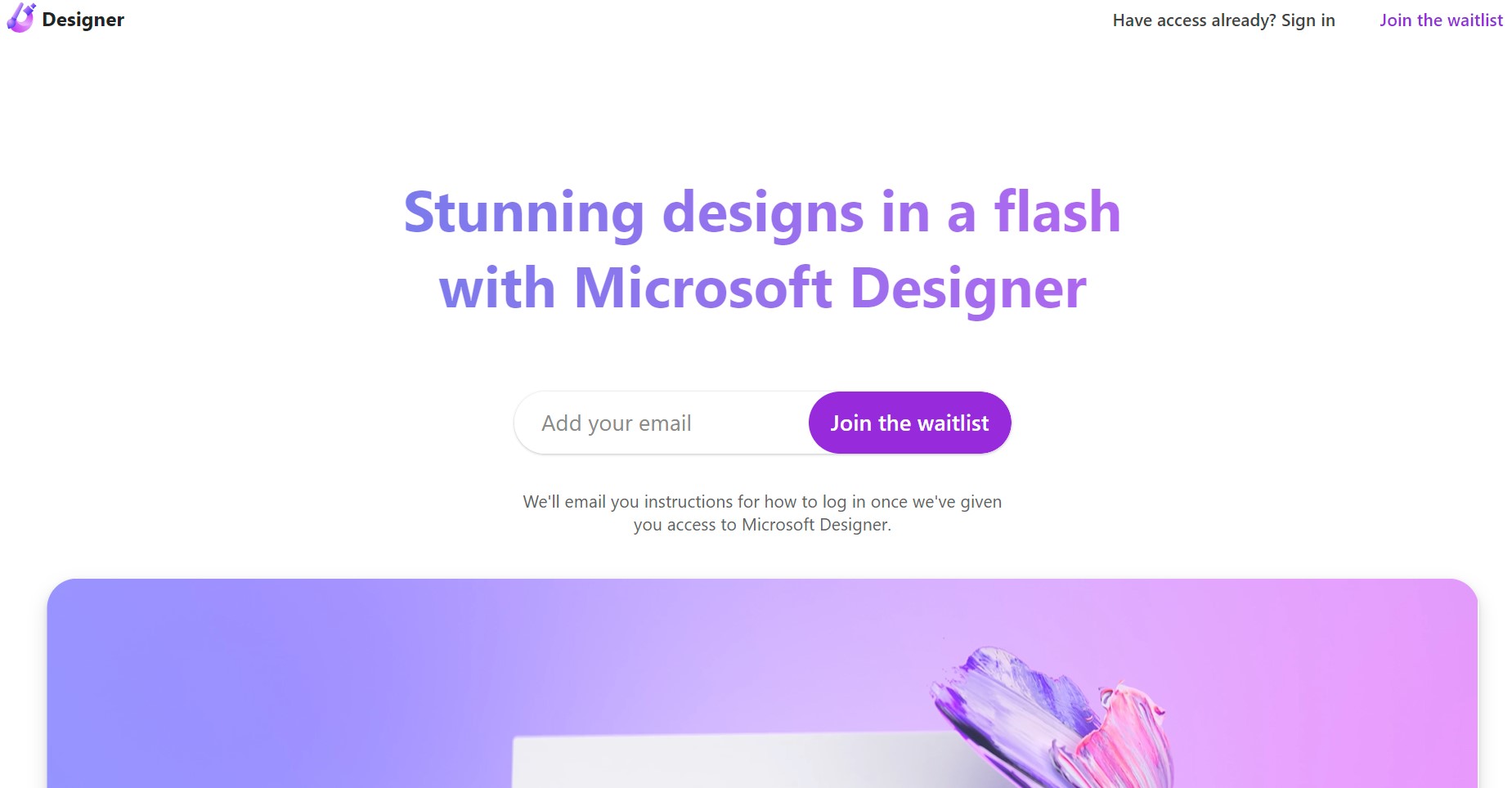
Microsoft Designer
Unleash creativity with AI-driven design simplicity and Microsoft integration.
About Microsoft Designer
Advertiser Disclosure: Futurepedia.io is committed to rigorous editorial standards to provide our users with accurate and helpful content. To keep our site free, we may receive compensation when you click some links on our site.
Key Features
- AI-Powered Design Suggestions: Offers personalized design recommendations based on your content and preferences.
- Templates Library: A vast array of professionally designed templates to jumpstart your creative projects.
- Seamless Integration: Works harmoniously with other Microsoft 365 applications for a cohesive user experience.
- Accessibility Features: Includes tools that ensure designs are accessible to all audiences, reinforcing inclusivity.
Pros
- User-Friendly Interface: Intuitive controls make it simple for anyone to create impressive designs.
- Efficiency: Streamlines the design process, saving valuable time for users.
- Brand Consistency: Ensures that designs adhere to brand guidelines with customizable templates.
- Collaborative Features: Allows for easy sharing and collaboration within teams.
Cons
- Learning Curve: Some users may need time to fully utilize all the features available.
- Online Dependency: Requires an internet connection for full functionality.
- Limited Advanced Features: May not satisfy the needs of professional designers looking for complex functionalities.