MagicSlides
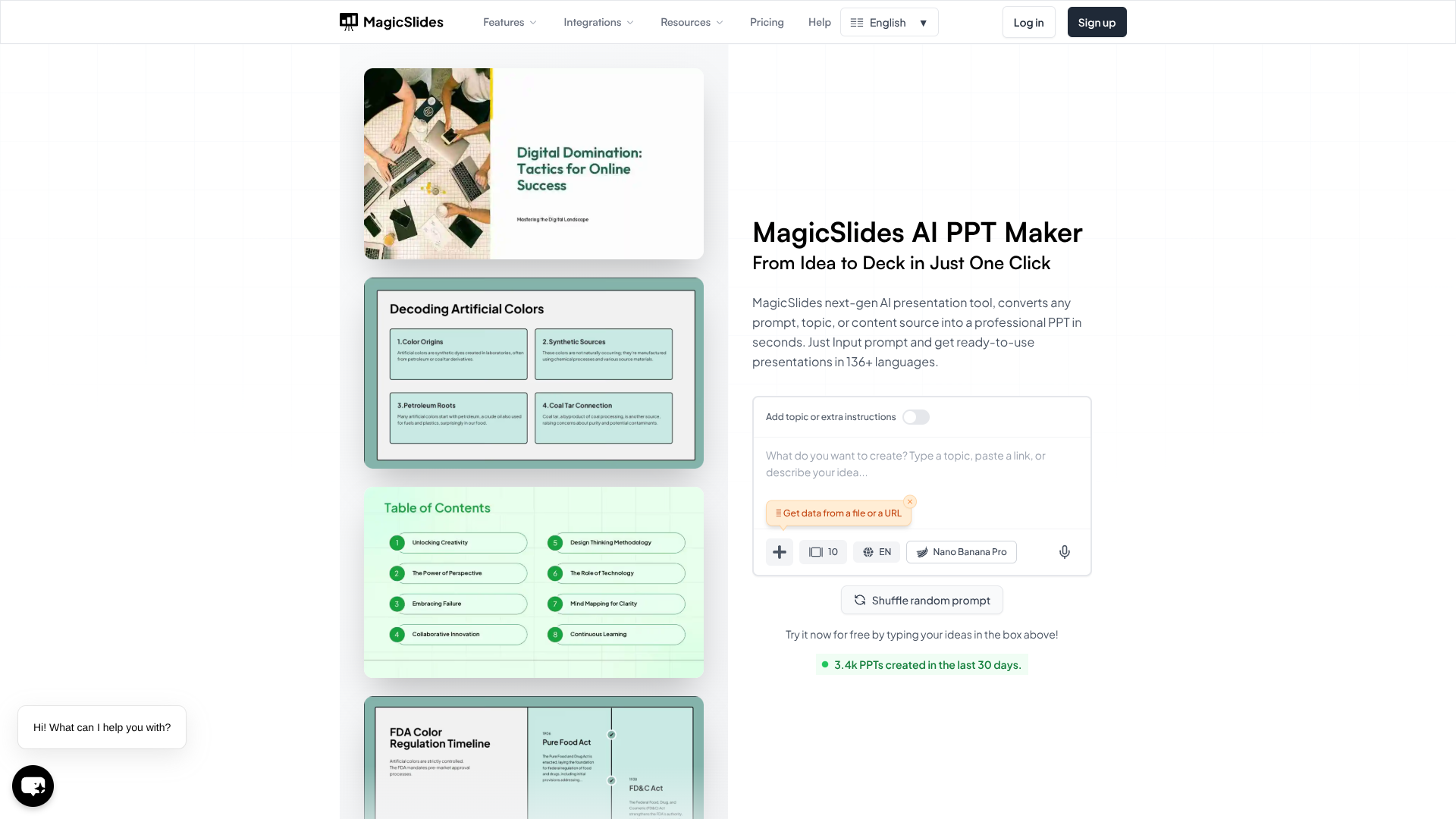
Auto-generate editable presentations from ideas, files, links.
About MagicSlides
Advertiser Disclosure: Futurepedia.io is committed to rigorous editorial standards to provide our users with accurate and helpful content. To keep our site free, we may receive compensation when you click some links on our site.
Key Features
- AI chat for slide creation: Start from a blank deck, then ask the AI in natural language to add, edit, or duplicate slides, adjust wording, or refine structure.
- Clone Slides from images: Turn any slide screenshot or image into an editable .pptx file, handy for reverse‑engineering designs or reusing inspiration.
- 136+ language support: Build presentations in popular languages including English, Spanish, Chinese, Hindi, Arabic and many more, with AI handling both content and layout.
Pros
- Huge time savings: Going from idea or link to a presentable deck in under a minute is realistic for many topics. (magicslides.app)
- Flexible inputs: Works with text, documents, videos, and URLs, so users can repurpose existing content instead of starting over.
- Rich slide patterns: Built‑in layouts for pros/cons, SWOT, metrics, timelines, and more match common business and classroom use cases.
- Ecosystem friendly: Deep Google Slides support plus Figma, ChatGPT, Zapier, and API options fit neatly into existing workflows. (magicslides.app)
Cons
- Design polish still needed: Auto‑generated decks often require manual tweaking for high‑stakes client pitches or conferences.
- Usage caps on lower tiers: Slide counts, presentation limits, and Clone Slide quotas on Essential and Pro can feel tight for heavy users. (magicslides.app)
- Google‑centric: Best experience assumes a Google account and cloud connectivity, which does not suit every organization.