Kubiya
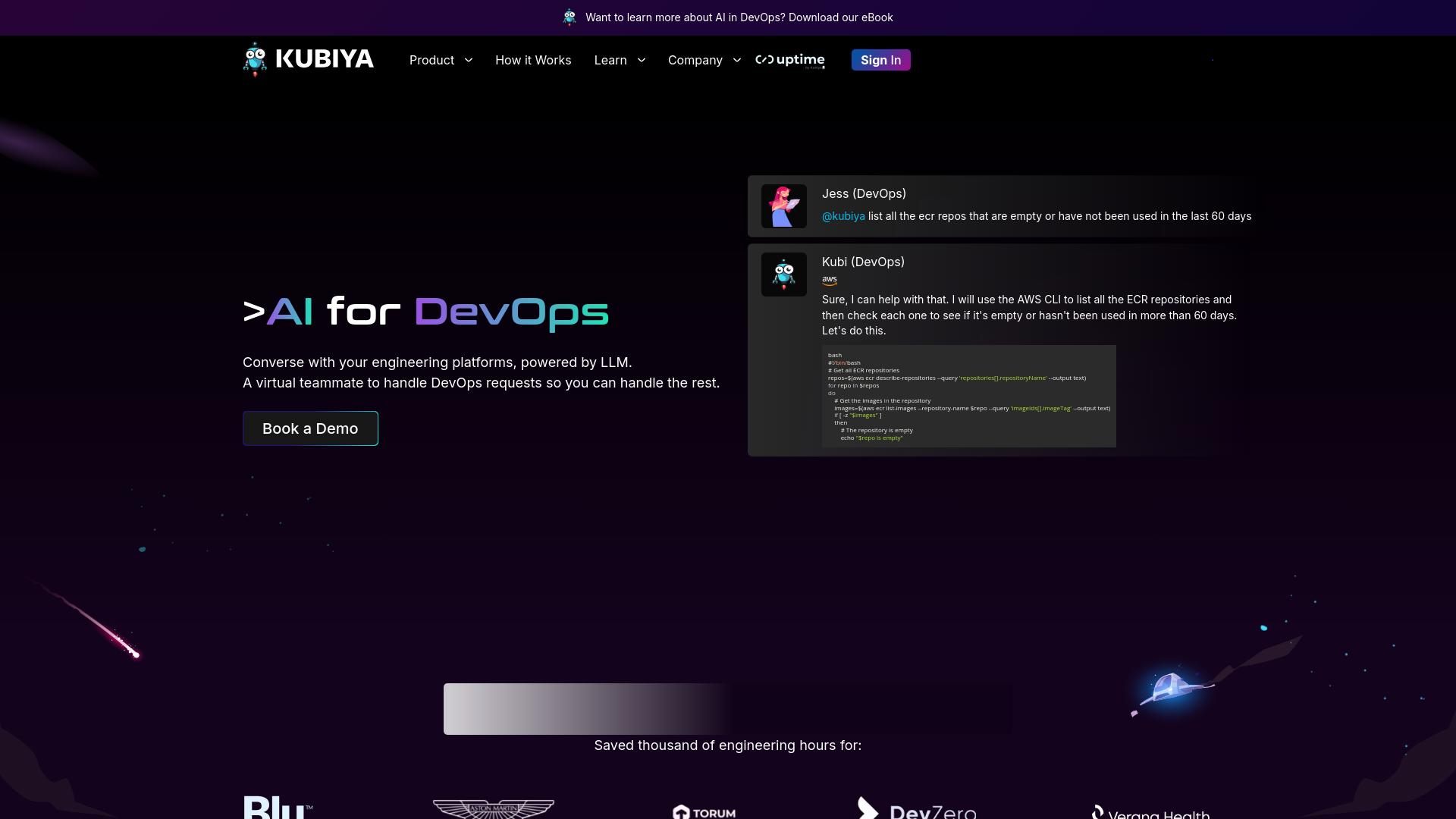
Conversational AI streamlining DevOps workflows and enhancing productivity.
About Kubiya
Advertiser Disclosure: Futurepedia.io is committed to rigorous editorial standards to provide our users with accurate and helpful content. To keep our site free, we may receive compensation when you click some links on our site.
Key Features
- Conversational AI Interface: Enables users to execute DevOps commands and queries through simple, natural language conversations.
- Integration with Major DevOps Tools: Works seamlessly with tools like Terraform, Kubernetes, and AWS, among others.
- Custom Workflow Automation: Allows customization of workflows, facilitating automated responses and actions based on user interactions.
- Real-Time Analytics: Monitors and analyzes DevOps environments in real time, providing actionable insights to improve performance and efficiency.
- Security and Compliance: Ensures that all operations meet the highest standards of security, including role-based access control and secure data handling.
Pros
- Enhanced Productivity: Reduces the time spent on repetitive tasks, allowing DevOps teams to focus on more strategic initiatives.
- Error Reduction: Minimizes human errors by automating routine DevOps tasks and responses.
- Scalability: Easily scales across different teams and projects, accommodating growing business needs without additional complexity.
- User Empowerment: Gives developers the autonomy to perform complex operations independently, without waiting for specialized assistance.
Cons
- Learning Curve: New users may require time to adapt to the conversational interface and learn how to best utilize the tool’s capabilities.
- Dependency on Integrations: While Kubiya integrates with many popular DevOps tools, its effectiveness can be limited if a required tool isn’t supported.
- Initial Setup Complexity: Setting up and customizing Kubiya to fit specific organizational needs can be complex and time-consuming.