KLING AI
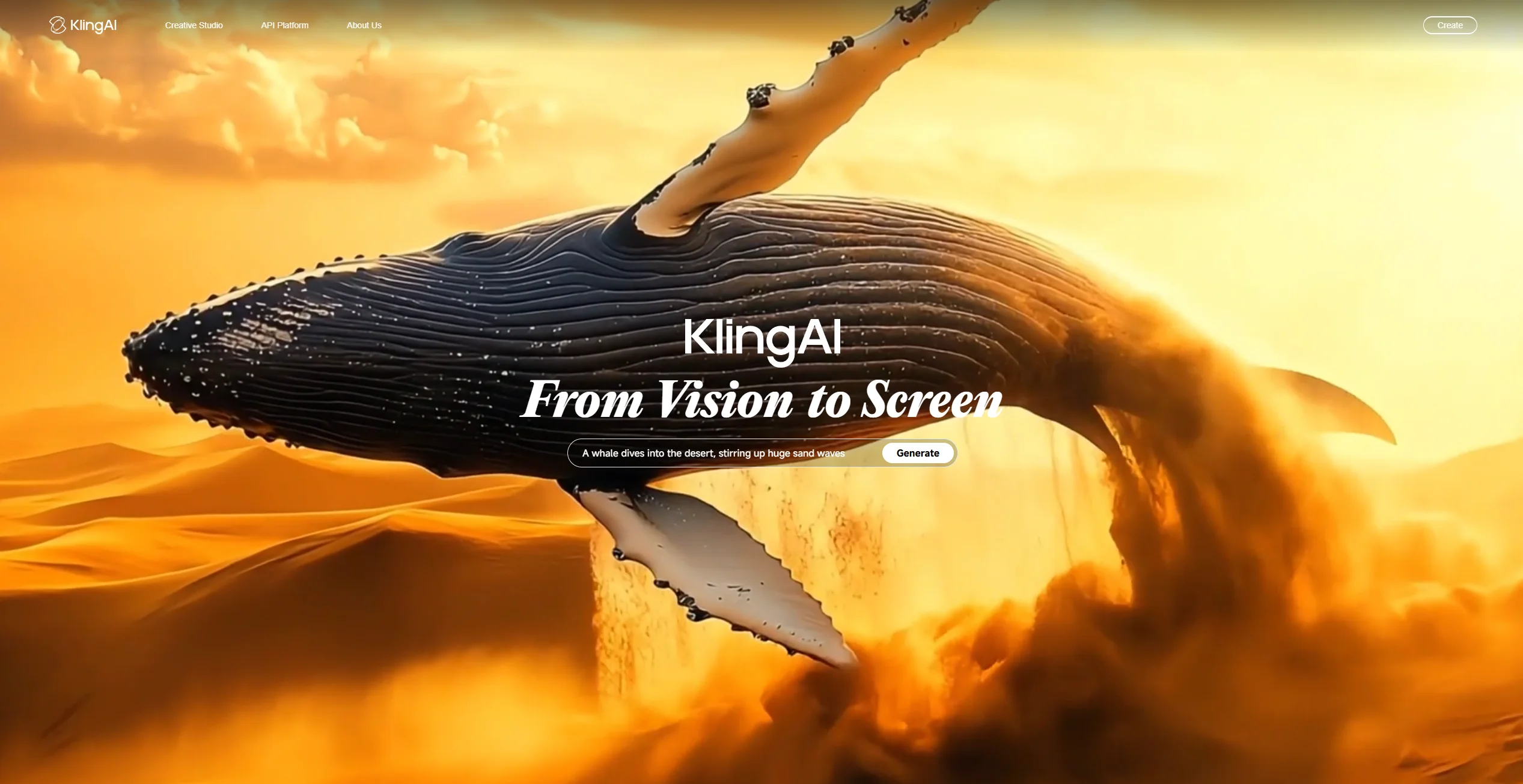
Text and images turned into vivid, customizable videos.
About KLING AI
Advertiser Disclosure: Futurepedia.io is committed to rigorous editorial standards to provide our users with accurate and helpful content. To keep our site free, we may receive compensation when you click some links on our site.
Key Features
- Text-to-Video & Image-to-Video Generation: Create up to 1080p videos up to 3 minutes long by providing text prompts or reference images.
- Image Generation and Editing: Produce AI-generated images in various styles or remix existing visuals via text-based prompts.
- Multi‑Element / Video Editing Tools: Swap, remove, or add assets within existing videos—ideal for refining scenes or inserting new characters.
- Community & Clone‑and‑Try: Browse creations by other users, clone their prompts or styles instantly, and customize them.
- AI‑Driven Presets & Guidance: Embedded prompt templates, negative prompt support, and style presets help guide creative direction.
Pros
- High-Quality Output: Delivers detailed, realistic video at 1080p, with strong motion quality and physics simulation.
- Versatile Workflows: Multiple creative pathways—text, image, remixing—cater to diverse use cases.
- Time and Cost Efficiency: Automates video/image creation, saving hours compared to manual production.
- Creative Collaboration: Active community offers fresh inspiration and easy content cloning.
Cons
- Credit Consumption: Complex prompts or misfires can use many credits without producing desired motion.
- Performance Bugs: Slower playback or occasional errors on mobile clients have been reported.
- Limited Customization in Free Tier: Advanced controls and extended durations are mostly behind paid tiers.