Kira
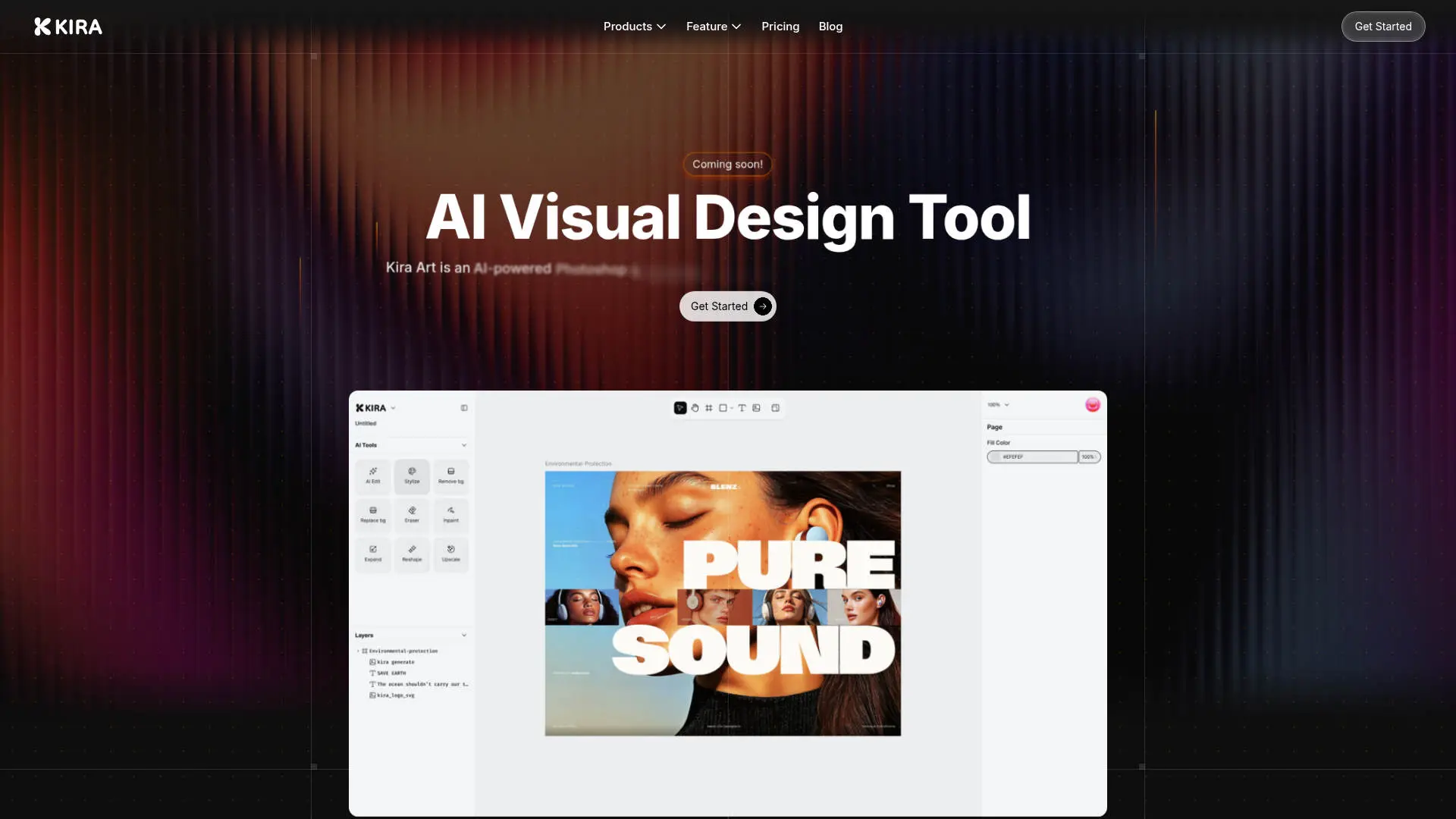
Create stunning designs with AI-enhanced tools.
About Kira
Advertiser Disclosure: Futurepedia.io is committed to rigorous editorial standards to provide our users with accurate and helpful content. To keep our site free, we may receive compensation when you click some links on our site.
Key Features
- AI Integration: Kira is powered by advanced models including OpenAI and Flux, ensuring cutting-edge AI capabilities are at your fingertips.
- Web-Based Platform: Design from anywhere without the hassle of software installations, making it accessible on any device.
- Advanced Image Editing Tools: Includes color adjustments, blend modes, masks, and a lasso tool for precise editing.
- Vector and Raster Workspaces: Offers robust tools for both vector and raster designs, providing flexibility for various design projects.
Pros
- Accessibility: The web-based nature of Kira allows for easy access and collaboration from any device.
- AI-Powered Features: From image generation to AI erasing, Kira enhances creativity with minimal effort.
- User-Friendly Interface: An intuitive design that caters to both beginners and seasoned designers.
- Performance: Quick and lossless image upscaling ensures high-quality outputs.
Cons
- Learning Curve: New users may need some time to get accustomed to the full range of features.
- Integration Limitations: Currently, there might be limited support for integrating with other design tools.
- Feature Availability: Some advanced features are still in development and may not be immediately available.