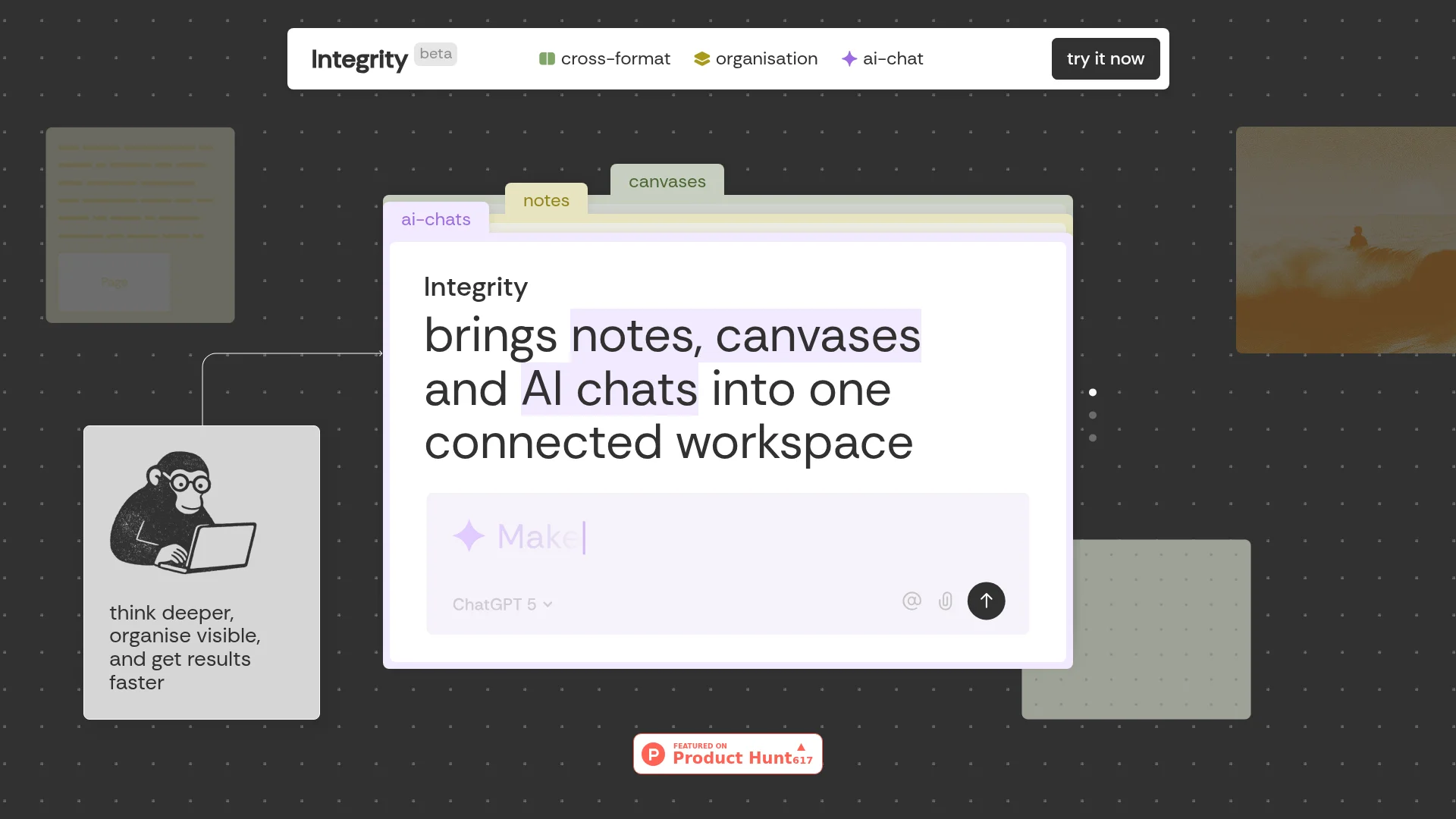
Integrity
Organize projects with integrated notes, canvases, AI chats.
About Integrity
Advertiser Disclosure: Futurepedia.io is committed to rigorous editorial standards to provide our users with accurate and helpful content. To keep our site free, we may receive compensation when you click some links on our site.
Key Features
- Universal Blocks: Everything from text and images to tables and AI chats can coexist on every surface. Drag and drop to move content without any hassle.
- One Tree, Infinite Branches: Notes, canvases, and AI chats grow from a single project tree, ensuring everything stays visible and easy to navigate.
- Sidebar Transparency: Always see what's on any page or canvas without opening it, keeping your project structure clear and accessible.
- Multiple Minds, One Conversation: Choose from AI models like ChatGPT, Claude, and Gemini within a single conversation, and switch between them without losing context.
Pros
- Effortless Organization: Integrates multiple formats into one workspace, reducing the need for multiple tools.
- Enhanced Collaboration: AI chats can inherit full workspace context, making team discussions more productive.
- Flexibility: The ability to switch between different AI models mid-conversation is a standout feature.
- Visibility: Sidebar transparency and a unified task manager keep all tasks and content in view, minimizing oversight.
Cons
- Initial Complexity: Some users may find the multitude of features overwhelming at first.
- Beta Limitations: As it’s still in beta, some features might not be fully polished.
- Integration Gaps: Currently working on expanding integrations with other tools like Notion and Miro.