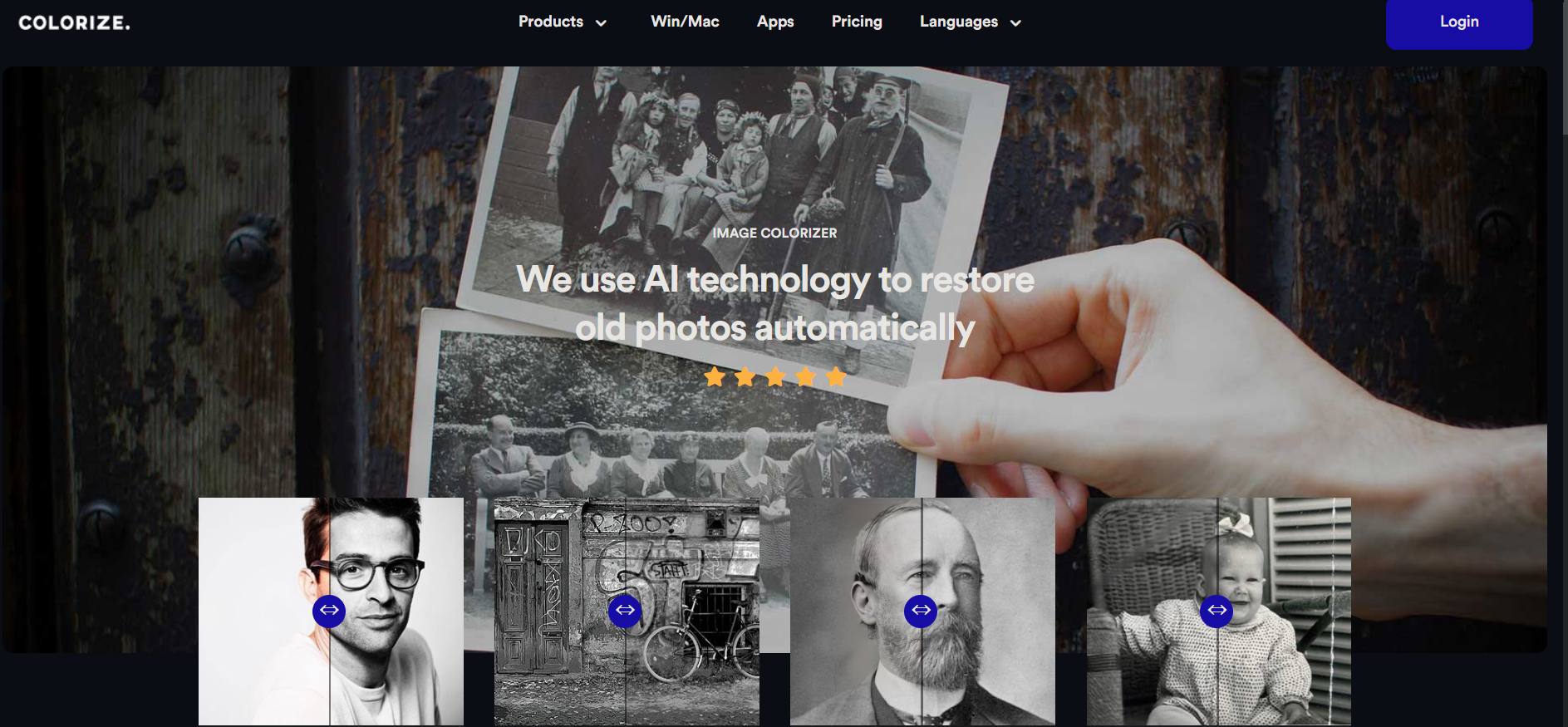
Imagecolorizer
Revitalize old photos with AI-driven colorization and restoration effortlessly.
About Imagecolorizer
Advertiser Disclosure: Futurepedia.io is committed to rigorous editorial standards to provide our users with accurate and helpful content. To keep our site free, we may receive compensation when you click some links on our site.
Key Features
- AI-Powered Colorization: Utilizes cutting-edge AI to add natural-looking colors to black and white photos.
- Photo Restoration: Enhances old photos by refining details and upscaling faces, resulting in clearer and more refined images.
- Image Enhancement: Fixes blurry and low-quality images, sharpening them to high definition.
- Portrait Retouching: Identifies faces in photos using neural networks and retouches them while preserving original details.
- Damage Repair: Allows one-click repair of scratched or damaged pictures, eliminating the need for Photoshop skills.
- Photo Cleanup: Features magic eraser technology to remove unwanted objects and clean up photos.
Pros
- Ease of Use: Intuitive interface makes it accessible for users of all skill levels to colorize and restore photos effortlessly.
- Batch Processing: Convenient for users dealing with multiple images, saving valuable time.
- Quality of Results: Produces high-quality colorization and restoration comparable to manual editing.
- Free Options: Offers free basic colorization and cleanup services, making it accessible for casual users.
Cons
- Enhancement Limitations: Some users have reported that the enhancement feature may require further refinement.
- Dependency on AI Accuracy: The AI's interpretation of colors and details may not always align with historical accuracy or personal expectations.
- Internet Requirement: Being cloud-based, it necessitates a stable internet connection for all functionalities.