Gumloop
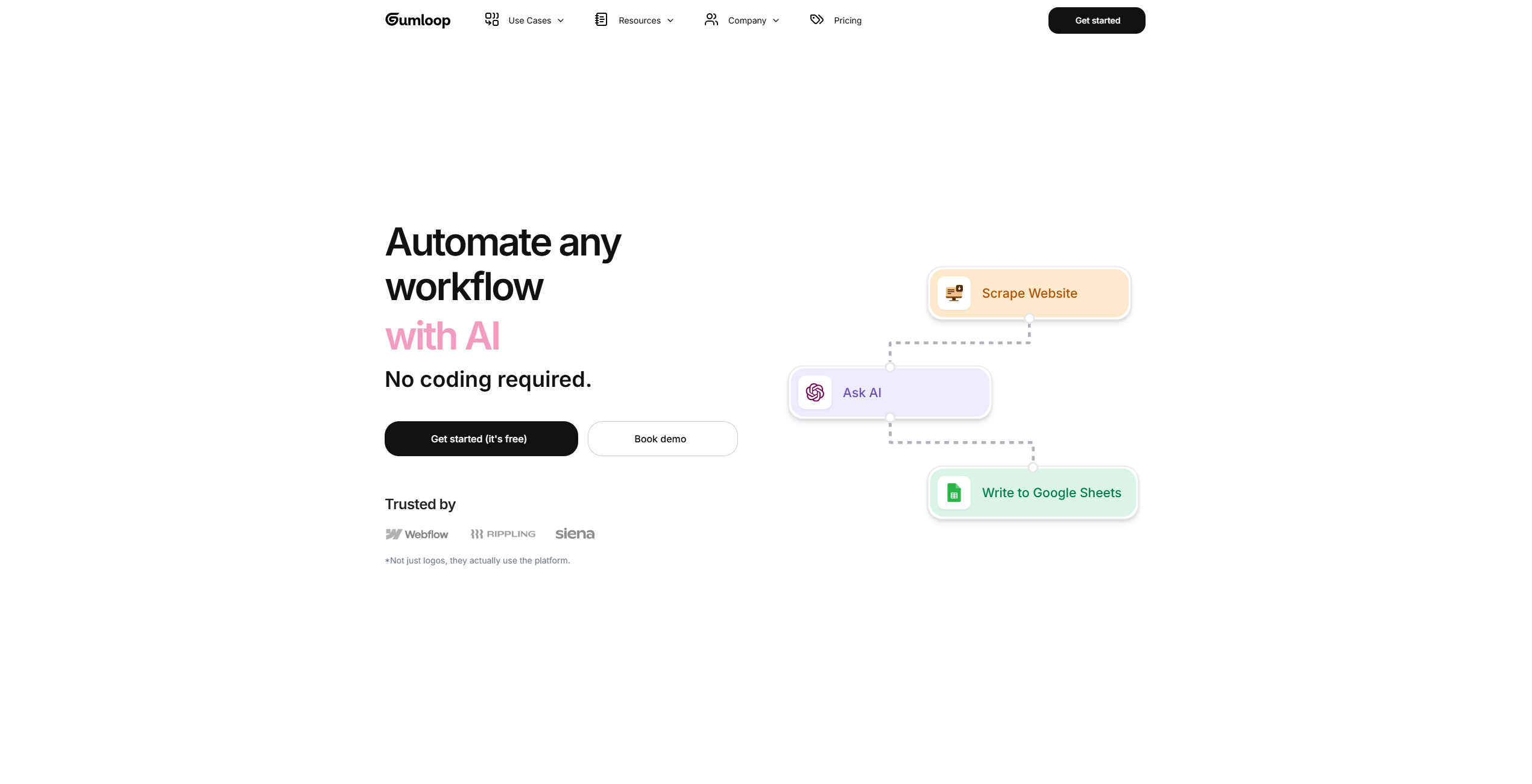
Automate workflows effortlessly with AI-driven, drag-and-drop simplicity.
About Gumloop
Advertiser Disclosure: Futurepedia.io is committed to rigorous editorial standards to provide our users with accurate and helpful content. To keep our site free, we may receive compensation when you click some links on our site.
Key Features
- AI-Driven Automation: Gumloop enables users to automate any workflow using AI, eliminating the need for manual intervention and reducing the likelihood of errors.
- User-Friendly Interface: The drag-and-drop feature allows users to create and deploy custom tools effortlessly without requiring any coding skills.
- Extensive Integration: Gumloop connects with dozens of platforms, ensuring that users can integrate their existing systems and streamline their operations.
- Security and Scalability: With SOC 2 and GDPR compliance, AES-256 encryption, and auto-scaling compute resources, Gumloop ensures both data protection and the ability to handle growing demands.
Pros
- Ease of Use: The intuitive drag-and-drop interface makes it accessible for users with no technical background.
- Comprehensive Security: Advanced encryption and compliance with industry standards ensure robust data protection.
- Scalability: Auto-scaling compute resources allow the system to adapt to varying demands, ensuring optimal performance.
- Pre-Built Workflows: Users can leverage community-created templates to skip the learning curve and start automating quickly.
Cons
- Initial Learning Curve: While designed to be user-friendly, some users may still find it challenging to navigate the platform initially.
- Limited Integration: Although Gumloop integrates with many platforms, there may be some niche systems that are not yet supported.