GPTExcel
Maximize spreadsheet efficiency with AI-powered formula and script generation.
About GPTExcel
Advertiser Disclosure: Futurepedia.io is committed to rigorous editorial standards to provide our users with accurate and helpful content. To keep our site free, we may receive compensation when you click some links on our site.
Key Features
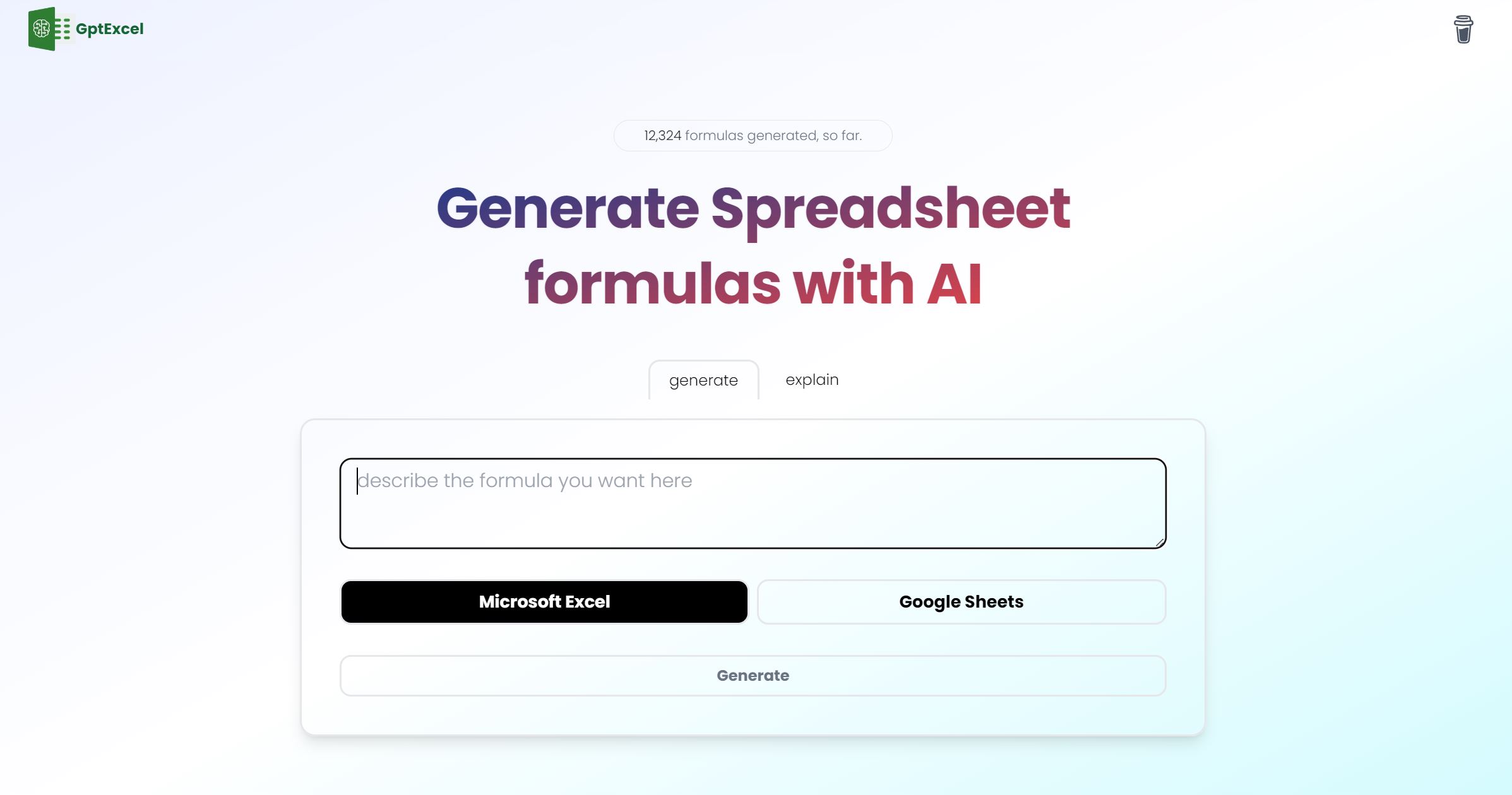
- Excel Formula Generator AI: Generates and explains complex formulas for Excel and Google Sheets, simplifying spreadsheet calculations.
- Script Generator AI: Crafts VBA, Apps Scripts, and Airtable Scripts to automate repetitive tasks and streamline workflow.
- SQL Query Generator AI: Simplifies the creation, debugging, and refinement of SQL queries for database operations.
- Regex Generator AI: Assists in generating and understanding regular expression patterns for data validation and filtering.
- Template Generator AI: Creates table templates for Excel and Google Sheets to facilitate data organization and management.
Pros
- Boosted Productivity: Drastically reduces the time spent on formula creation, script writing, and other spreadsheet tasks.
- Ease of Use: Intuitive interface suitable for users of all levels, from beginners to experts.
- Multilingual Support: Supports over 50 languages, ensuring accessibility for a diverse user base.
- Generous Free Tier: Allows users to explore features with 4 free requests per day without requiring a credit card.
Cons
- Limited Free Requests: The free tier restricts users to four requests per day, which may not be sufficient for heavy users.
- Learning Curve: New users may need time to fully grasp the capabilities and features of the tool.
- Script Generators Not Included in Free Tier: Access to the full suite of automation tools requires upgrading to a paid plan.