Flakes
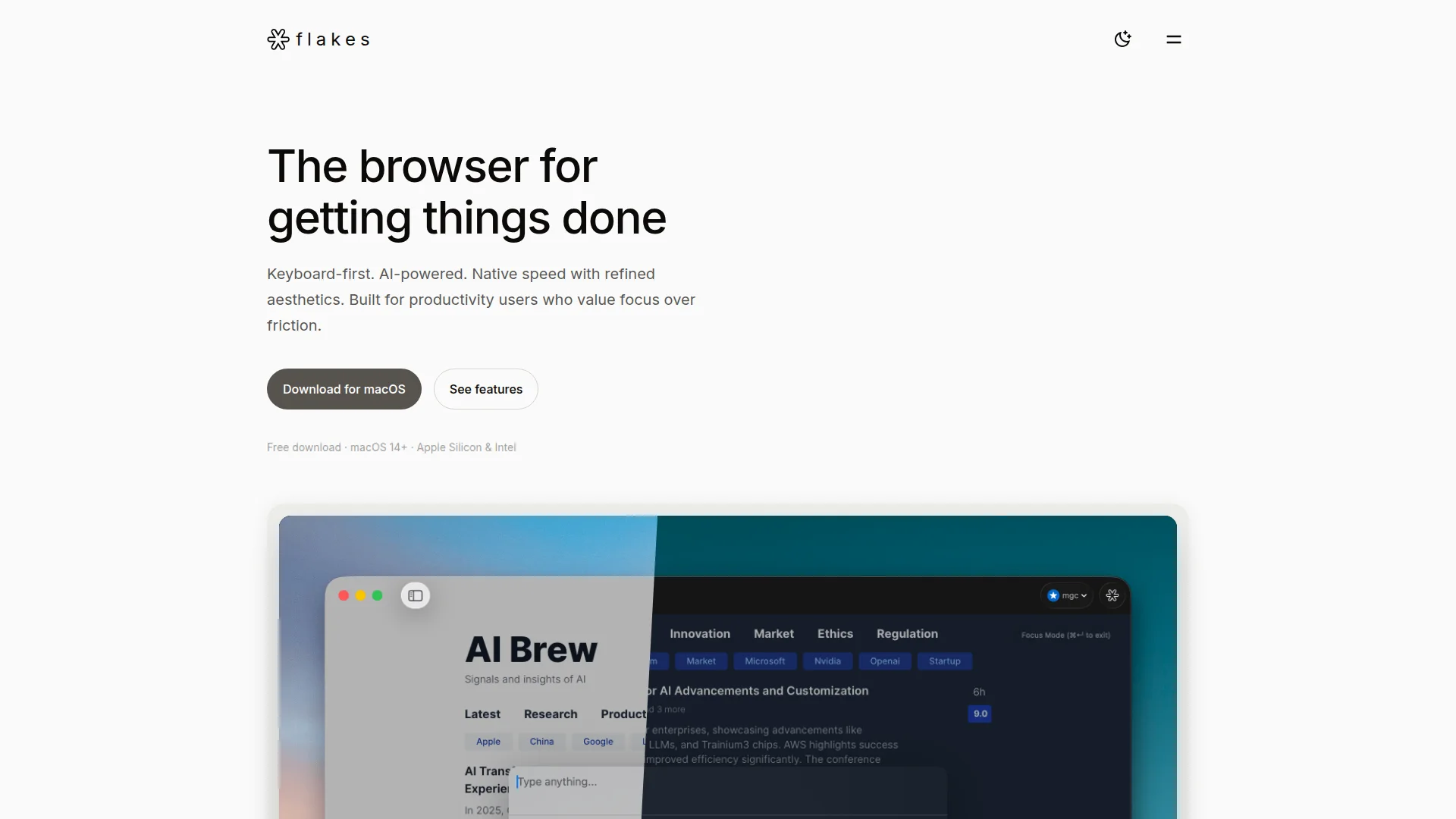
Browse by keyboard on Mac with tab-aware AI.
About Flakes
Advertiser Disclosure: Futurepedia.io is committed to rigorous editorial standards to provide our users with accurate and helpful content. To keep our site free, we may receive compensation when you click some links on our site.
Key Features
- Keyboard-first navigation: Vim inspired h j k l controls, link hints, tab switching, and window management keep power users on the keyboard instead of the trackpad.
- Command palette (⌘K): A single shortcut searches history, opens URLs, runs browser commands, and triggers AI queries, reducing the need to memorize many separate shortcuts.
- Focus mode and smart history: A distraction free reading mode hides toolbars and the address bar, pairs with built in ad blocking, and works alongside smart history to reduce tab overload.
Pros
- Productivity focused design: Strips away chrome and visual clutter so content and tasks stay front and center.
- High efficiency for keyboard users: Vim style navigation plus a command palette can significantly speed up daily browsing for power users.
- Context aware AI inside the browser: Drift AI reduces context switching between tabs and separate AI tools by answering questions directly from current pages.
- Privacy conscious defaults: Local browser, optional AI features, ad blocking, and a fully isolated private mode suit users who care about tracking and data exposure.
Cons
- Mac only with modern OS requirement: Currently limited to macOS 14 or later, with no Windows or Linux support.
- Early stage ecosystem: As a young browser, it lacks the mature extension ecosystems and broad integrations familiar from Chromium based options.
- Limited public detail on AI stack: The main site offers only light information about Drift AI’s underlying models and data handling, which security sensitive teams may wish were more explicit.