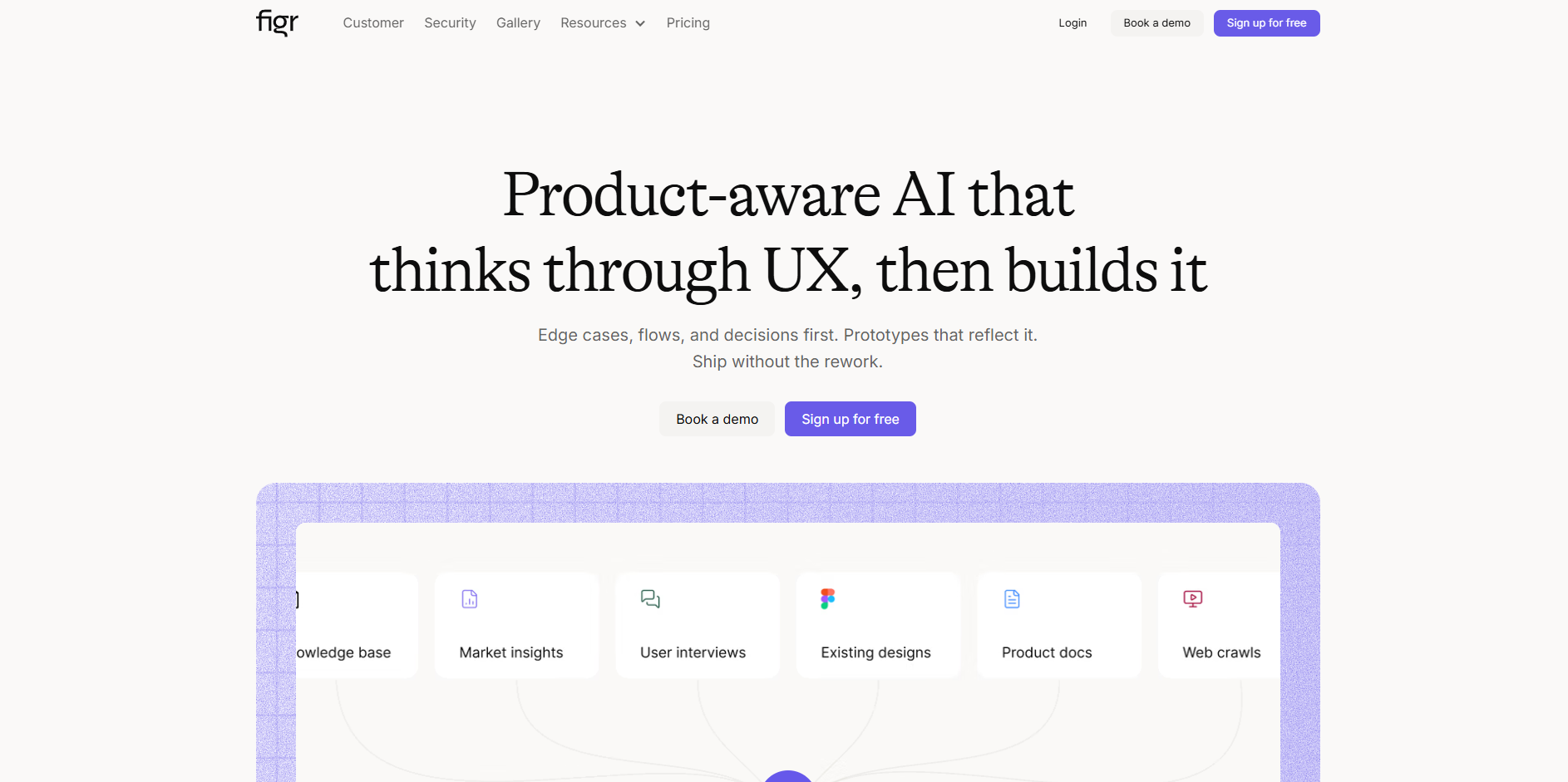
Figr
Turn product context into flows, prototypes, documentation.
About Figr
Advertiser Disclosure: Futurepedia.io is committed to rigorous editorial standards to provide our users with accurate and helpful content. To keep our site free, we may receive compensation when you click some links on our site.
Key Features
- Click-to-refine design editing: Teams can click any element in an AI-generated layout and adjust copy, layout, states, or interactions while preserving design-system consistency and product rules.
Pros
- Thinks like a product teammate: Focus on flows, edge cases, and UX decisions reduces the “pretty but wrong” screen problem and cuts rework.
- Strong for existing products: Especially effective when layering new UX on top of mature SaaS products, where understanding current flows and data is critical.
- Context that compounds: Long‑lived memory and Product Allies mean the AI gets better for that product over time instead of treating every request as a cold start.
- Clear design rationale: Generated artifacts often include reasoning, comparisons to known UX patterns, and data-backed recommendations, which helps alignment with stakeholders.
- Enterprise-ready: SOC 2 Type II, SSO, audit logs, and data isolation appeal to larger organizations with strict governance and compliance needs.
Cons
- Credit model complexity: Credits tied to action type can feel opaque at first and require some experimentation to forecast monthly usage.
- Pricier for small multi-seat teams: Per-seat Team pricing with minimum seats can add up compared with single-user tools for very small squads.
- Focused on product UX: Best suited to product flows and UX-heavy work, not general-purpose marketing or branding design.