DiffusionBee
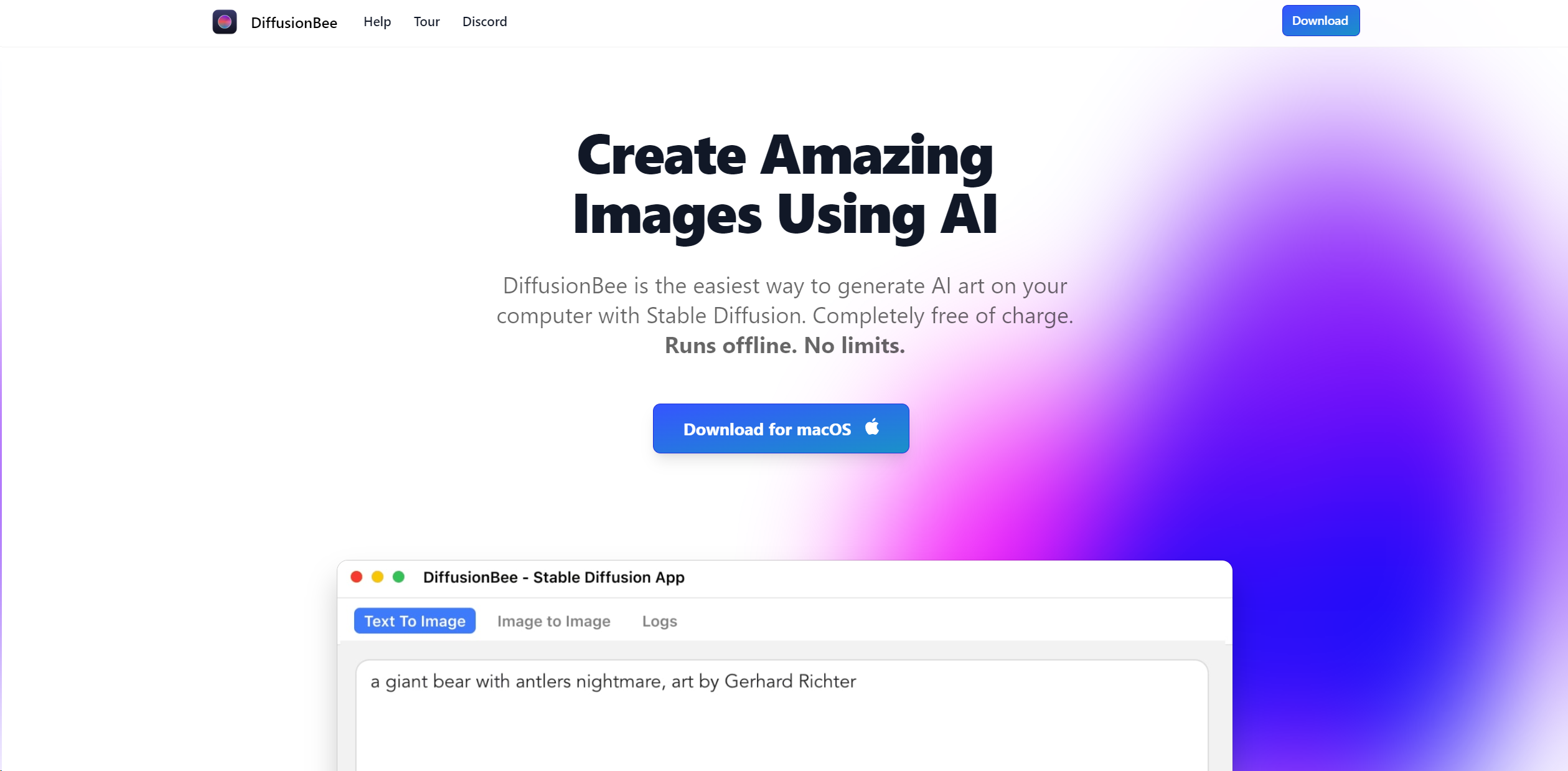
Transform text into stunning AI art offline on macOS, free and user-friendly.
About DiffusionBee
Advertiser Disclosure: Futurepedia.io is committed to rigorous editorial standards to provide our users with accurate and helpful content. To keep our site free, we may receive compensation when you click some links on our site.
Key Features
- Text to Image: Allows users to generate images from text prompts, enabling the creation of any image in any style.
- Image to Image: Modify existing images with text prompts to create a new image based on a starting image.
- In-painting and Out-painting: Offers tools for adding or removing objects in an existing image or expanding an image outwards.
- Upscaling: Utilizes AI to enhance the resolution of generated images automatically.
- Custom Models: Supports the use of external Stable Diffusion models for generating images in specific styles or objects.
- Advanced Options: Provides power users with advanced features like negative prompts and diffusion steps.
- Privacy Focused: All image generation processes occur locally, ensuring user data privacy.
Pros
- Ease of Use: Its intuitive interface makes creating AI art accessible to everyone.
- Performance: Optimized for M1/M2 Macs, offering fast image generation times.
- Privacy and Security: With local processing, users' data remains private.
- Cost-Effective: Completely free to use without any hidden charges.
Cons
- Platform Limitation: Currently, it is only available for macOS users.
- Hardware Requirements: Best performance on Apple silicon; Intel-based Macs may experience slower processing.
- Limited to Static Images: Primarily focused on generating static images without direct support for animations or videos.