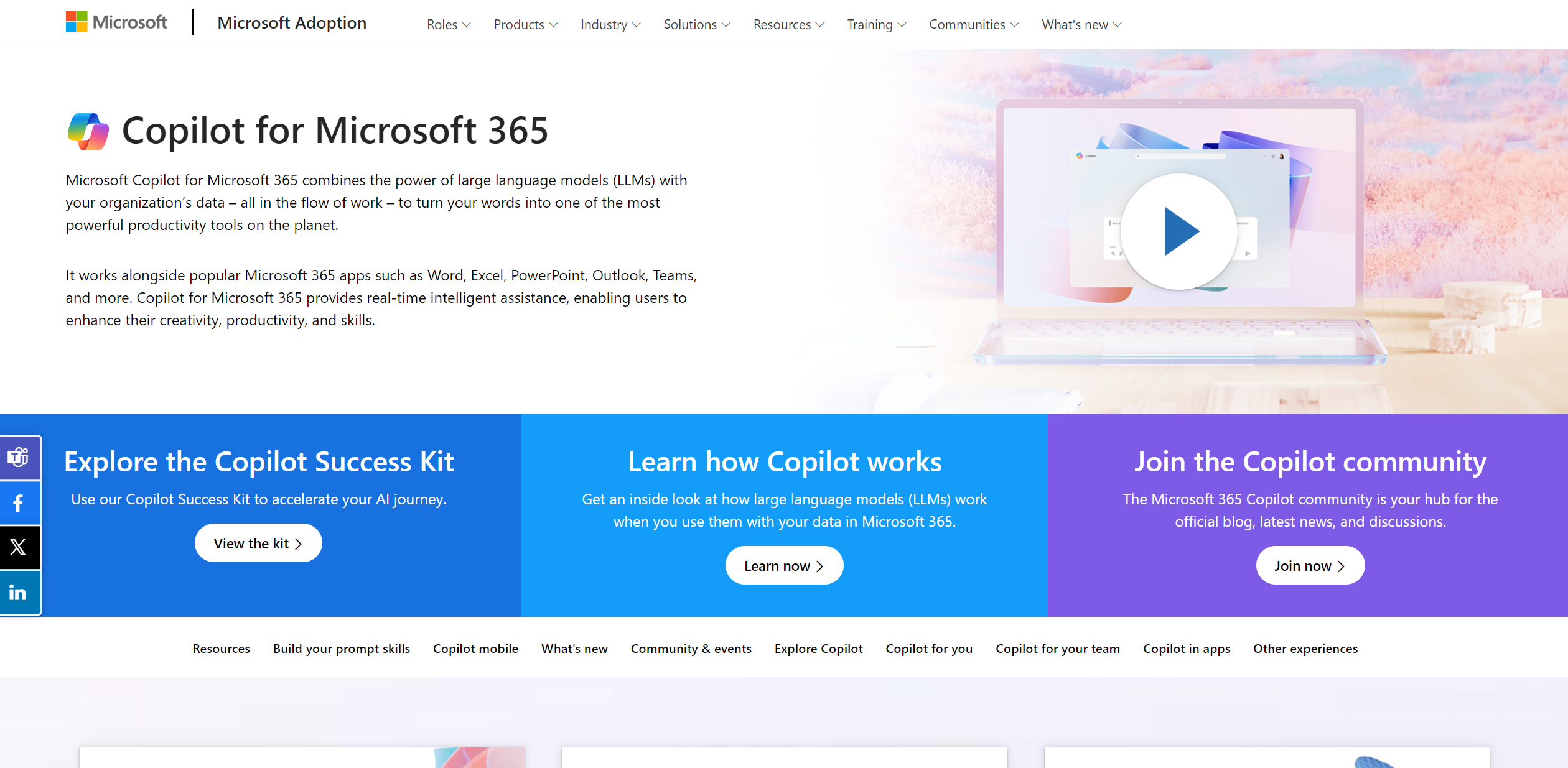
Copilot for Microsoft 365
Transforms Microsoft 365 into an AI-driven productivity powerhouse.
About Copilot for Microsoft 365
Advertiser Disclosure: Futurepedia.io is committed to rigorous editorial standards to provide our users with accurate and helpful content. To keep our site free, we may receive compensation when you click some links on our site.
Key Features
- Real-Time Assistance: Provides instant suggestions and content generation, enhancing workflow efficiency.
- Integration with Microsoft 365 Apps: Works cohesively with Word, Excel, PowerPoint, Outlook, and Teams.
- Intelligent Automation: Automates repetitive tasks and processes, saving valuable time.
- Customizability: Offers adaptable features and plugins to meet specific organizational needs.
Pros
- Enhanced Productivity: Significantly reduces the time required for document creation and data analysis.
- Seamless Integration: Smoothly functions within the Microsoft 365 ecosystem, ensuring a unified user experience.
- User-Friendly Interface: Intuitive design that is easy to navigate for users at all tech levels.
- Scalability: Suitable for various organizational sizes, from small businesses to large enterprises.
Cons
- Learning Curve: New users may require time to fully utilize its advanced features.
- Dependency on Microsoft Ecosystem: Primarily designed for users deeply integrated into Microsoft's software.
- Potential Privacy Concerns: Handling sensitive data within AI tools could raise security questions.