ClickUp
Streamline tasks, docs, and collaboration effortlessly.
About ClickUp
Advertiser Disclosure: Futurepedia.io is committed to rigorous editorial standards to provide our users with accurate and helpful content. To keep our site free, we may receive compensation when you click some links on our site.
Key Features
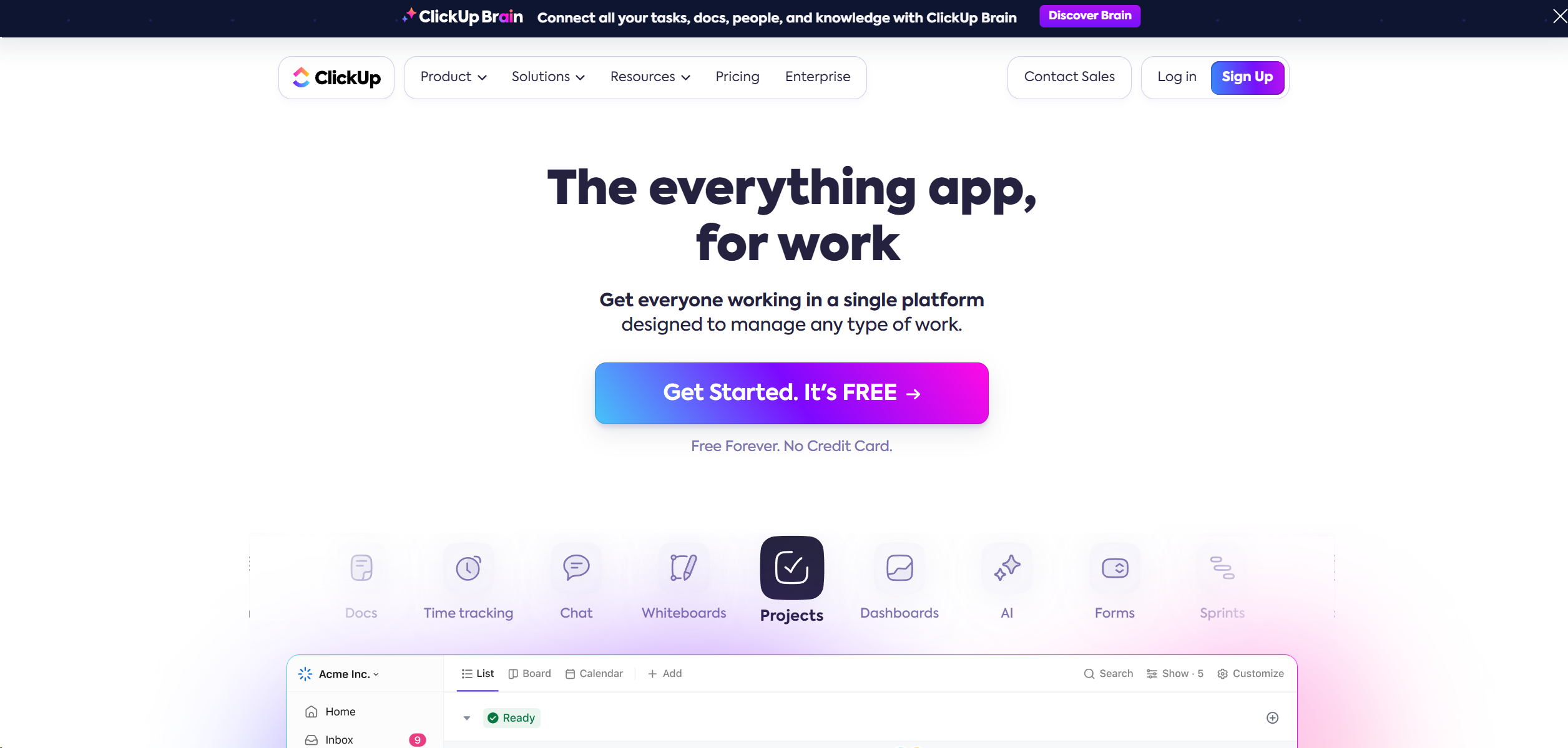
- Comprehensive Dashboard Views: Offers a variety of views such as List, Board, and Gantt, allowing users to tailor the interface according to their project needs.
- AI-Powered Automation: Automate routine tasks and processes with advanced, no-code automation tools that save time and reduce manual errors.
- Real-Time Collaboration Tools: Features like Docs, Whiteboards, and Chat facilitate seamless communication and brainstorming among team members.
- Extensive Integration Options: ClickUp integrates with numerous other tools including Google Calendar, Slack, GitHub, and more, ensuring it can fit into any workflow seamlessly.
Pros
- Enhanced Productivity: Users report up to a 40% improvement in efficiency after switching to ClickUp.
- Customizability: Highly customizable for different workflows which includes tasks, docs, and spreadsheets.
- User-Friendly Interface: Intuitive design that makes it easy for new users to adopt and integrate into their daily tasks.
- Robust Free Version: Offers a powerful free tier that is quite comprehensive compared to other tools in the market.
Cons
- Overwhelming Feature Set: New users may find the array of features daunting at first.
- Performance Issues: With extensive use, some users have reported slow load times and minor bugs.
- Complex Pricing Structure: While it offers a free tier, the pricing can become complex as you scale up with more features and users.