Caret
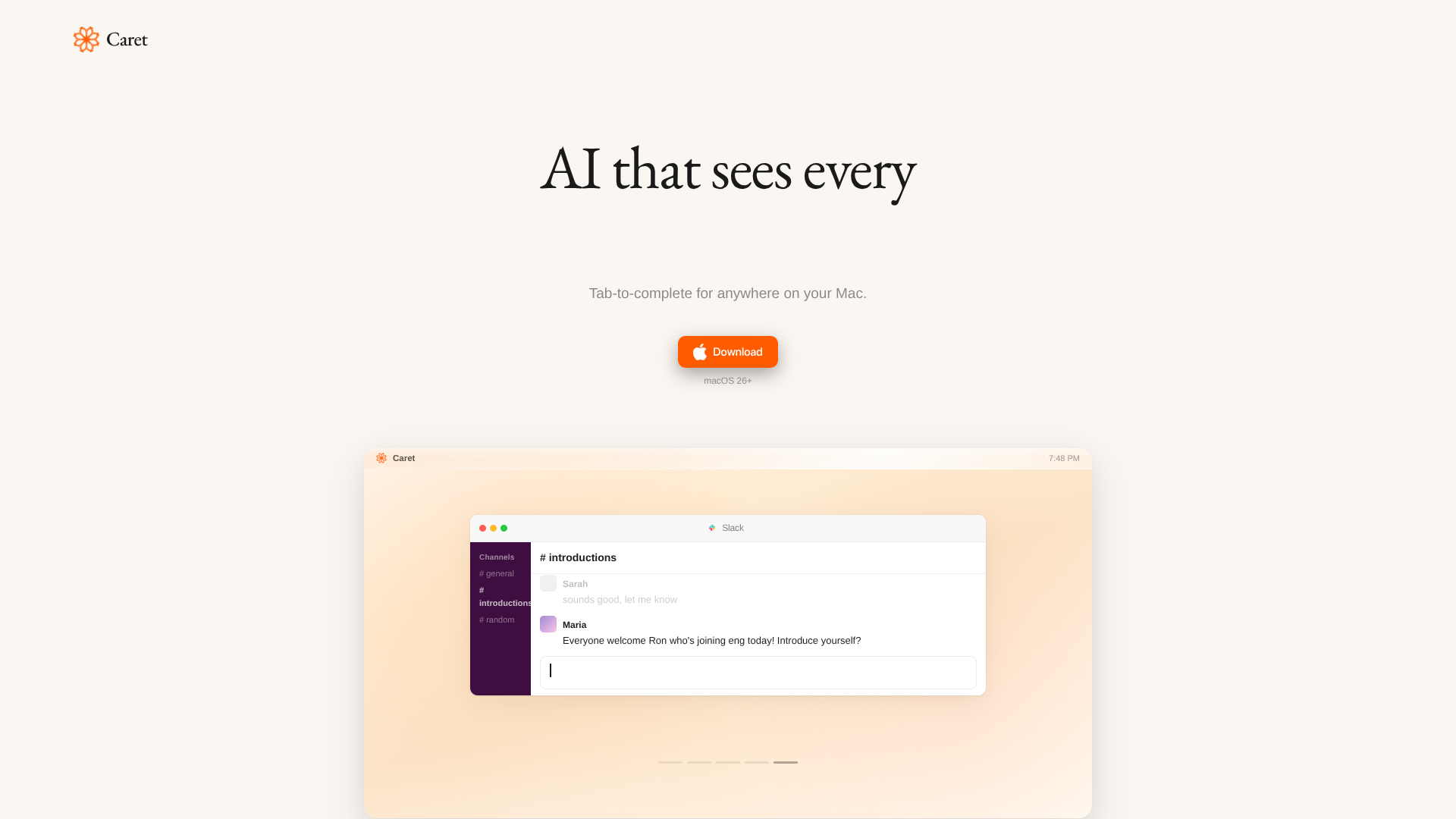
Press Tab to finish sentences across Mac.
About Caret
Advertiser Disclosure: Futurepedia.io is committed to rigorous editorial standards to provide our users with accurate and helpful content. To keep our site free, we may receive compensation when you click some links on our site.
Key Features
- Systemwide Tab Completion: Offers AI suggestions in virtually any macOS app by pressing Tab while typing.
- Always-On Context Engine: Continuously reads the screen to build memories so suggestions reflect both current work and recent activity.
- Personalized Writing Style: Tailors completions to match the user’s tone and phrasing so output sounds closer to how they naturally write.
- App-Agnostic Presence: Appears as an overlay rather than a separate chat app, staying available inside documents, emails, and chats across the system.
Pros
- Frictionless writing flow: Reduces context switching and keeps writers inside their current app while still receiving AI assistance.
- High-speed drafting: Tab-triggered completions speed up email, documentation, note-taking, and everyday messaging with minimal extra keystrokes.
- Consistent voice: Long-lived memories help maintain a recognizable personal or team voice across different tools and contexts.
- Great for power users: Keyboard-focused interaction aligns well with developers, writers, and operators who live in text fields all day.
Cons
- macOS only: Currently focused on Mac, which excludes Windows-centric or browser-only environments. (trycaret.com)
- Always-on reading concerns: Continuous screen access may raise privacy and compliance questions for cautious individuals and enterprises.
- Early-stage polish: Minimal marketing copy and documentation make it harder for newcomers to understand advanced capabilities or roadmap.