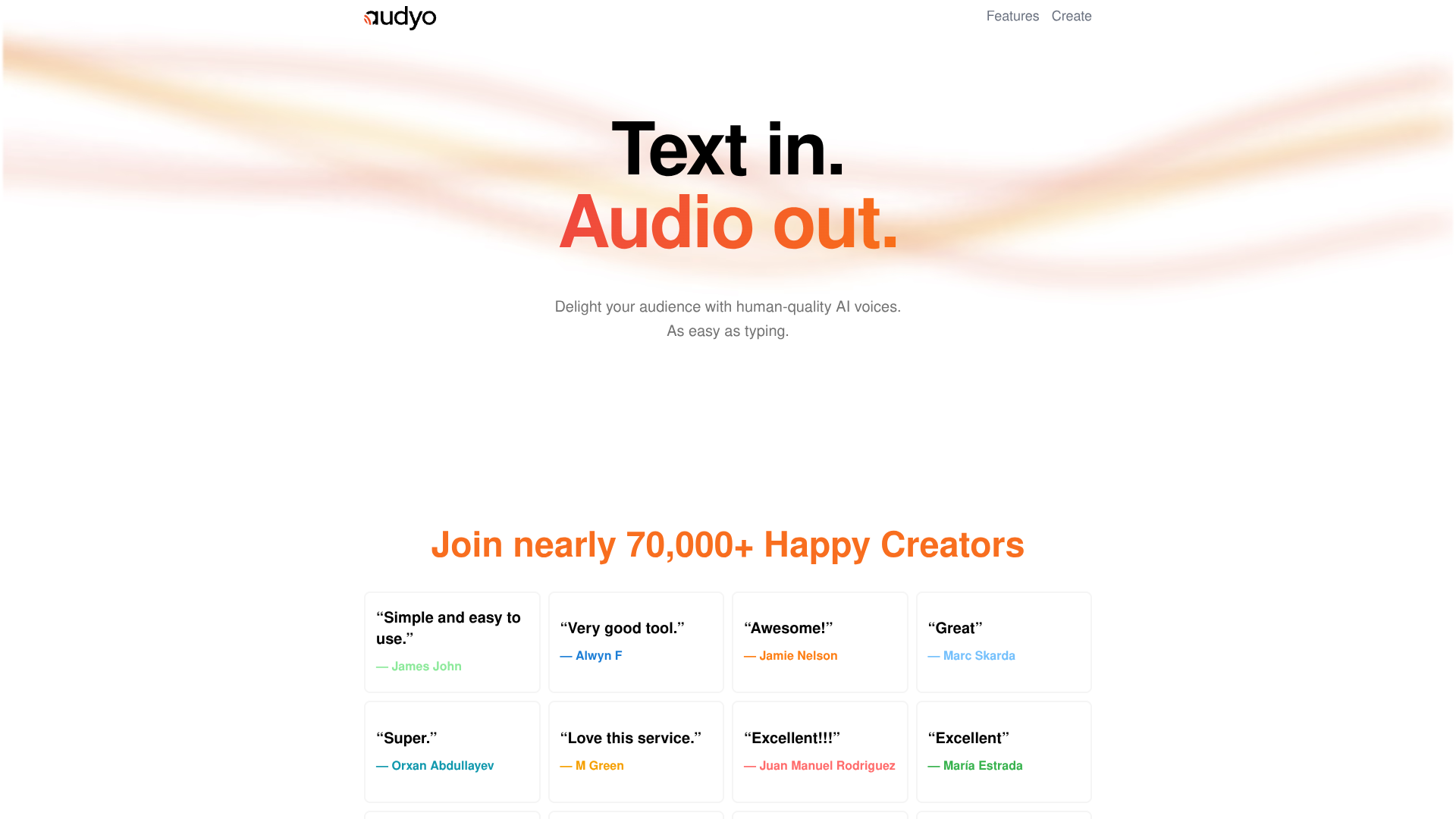
Audyo
Write scripts, instantly create natural multilingual voiceovers.
About Audyo
Advertiser Disclosure: Futurepedia.io is committed to rigorous editorial standards to provide our users with accurate and helpful content. To keep our site free, we may receive compensation when you click some links on our site.
Key Features
- Doc-style text editor: Edit scripts like a document while Audyo regenerates matching audio.
- 100+ AI voices: Large catalog of male, female, and character-style voices.
- Multilingual output: Supports major global languages including English, Spanish, French, German, Portuguese, Chinese, Hindi, Arabic, Turkish, Russian, Japanese, and Korean.
- Custom pronunciation controls: Adjust how names, jargon, and brand terms sound using phonetic spelling.
- AI-assisted scripting and Markdown: Built in AI helper plus Markdown headings, lists, and dividers that influence pacing.
Pros
- Simple learning curve: Browser editor feels familiar to anyone used to word processors.
- Rich voice variety: Many accents and styles suit everything from tutorials to ads.
- Strong for dialogue: Quick switching between speakers speeds up scripting of conversations.
- Quick iteration: Small text edits regenerate updated audio instead of re-recording.
Cons
- Unclear automation story: Public site highlights the editor more than API or integration options.
- Pronunciation tweaking knowledge: Phonetic editing can feel technical to users who prefer pure point-and-click.
- Still synthetic at times: Like other neural voices, some phrases may sound slightly artificial.