Atomic Bot
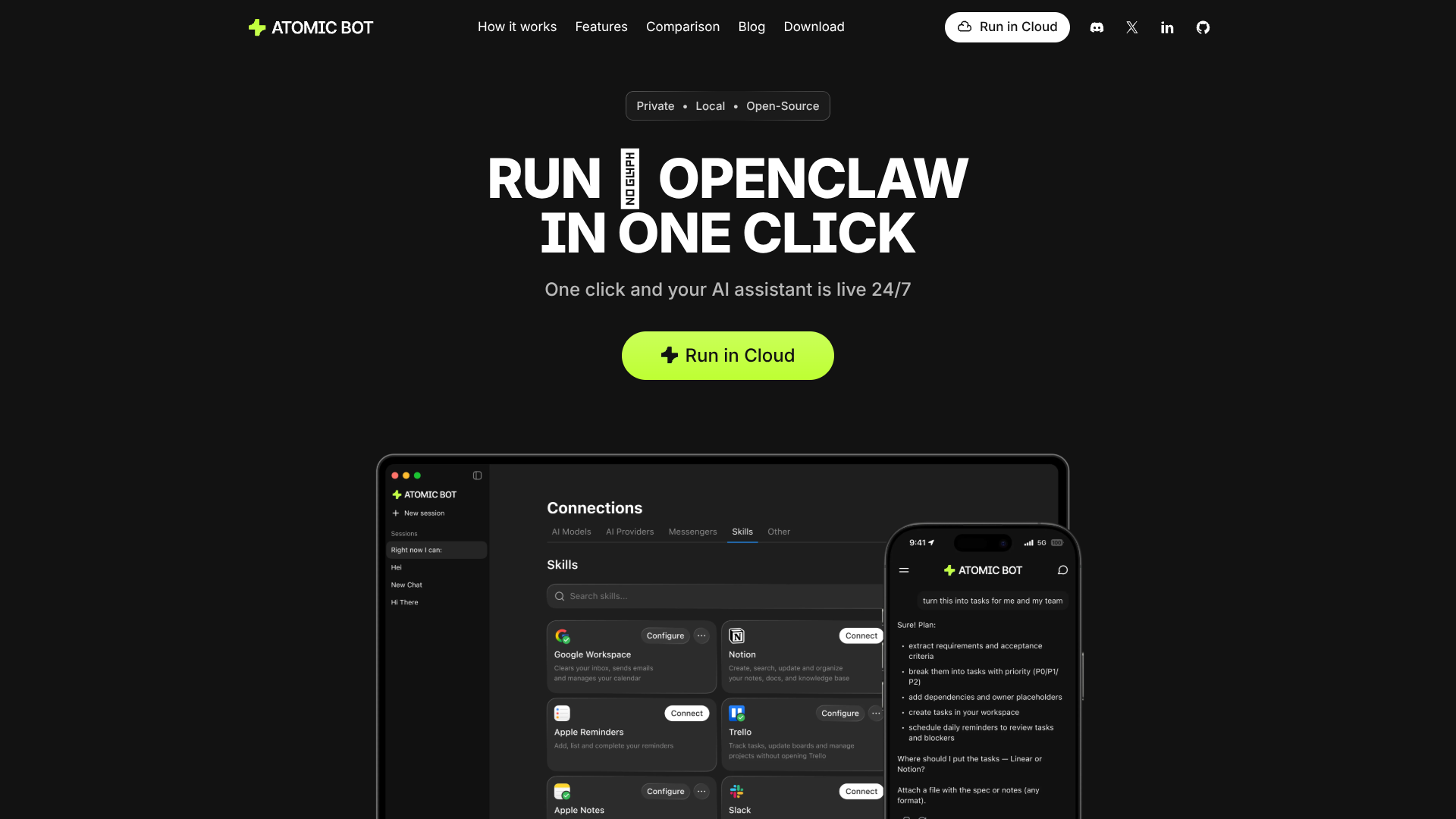
Delegate email, scheduling, docs, and browser work 24/7.
About Atomic Bot
Advertiser Disclosure: Futurepedia.io is committed to rigorous editorial standards to provide our users with accurate and helpful content. To keep our site free, we may receive compensation when you click some links on our site.
Key Features
- Guided OpenClaw setup: Wraps the full OpenClaw stack in a click-to-install experience with a stepwise onboarding wizard.
- Persistent memory: Stores preferences, context, and ongoing tasks so the assistant behaves more like a long-term coworker than a stateless chatbot.
- Local or cloud execution: Lets users run the agent on their own machine for tighter data control or spin it up in the cloud for always-on access.
- Browser automation: Controls a real browser to click, fill forms, and complete multi step flows directly from chat instructions.
- Multiple AI models: Connects to Claude, GPT, Gemini, and others, with the option to switch models as needs or pricing change.
- Skill marketplace and integrations: Connects to 100+ apps and offers hundreds of prebuilt skills for Gmail, calendars, CRM, GitHub, PDFs, and more.
- Task scheduling and monitoring: Can run on a schedule, send proactive messages, and watch for events such as new emails or upcoming deadlines.
- Open source macOS app: Source code is available, which makes behavior auditable and attractive for technical teams that care about transparency.
Pros
- Real task execution, not just chat: Controls email, calendars, files, and the browser so users can offload repetitive workflows, not only question answering.
- Strong privacy posture: Can keep all data on a local machine, with cloud usage optional, which helps privacy conscious users and teams.
- High customizability: OpenClaw skills, multiple models, and a large integration set make it easy for advanced users to build very tailored agents.
- Lower total cost potential: The app itself is free, and users can pick whichever LLM plans or API keys offer the best value for their workload.
- Good bridge for non‑terminal users: Brings a complex open source agent stack into a GUI that product managers, founders, and non developers can actually operate.
- Community and ecosystem energy: OpenClaw’s fast growing community means new skills, integrations, and how to guides appear quickly.
Cons
- Setup still has moving parts: Even with a GUI, users must understand API keys, model choices, and permissions across connected apps.
- Depends on third party LLMs and skills: Reliability, costs, and security are influenced by model providers and community built skills, which some companies may find hard to govern.
- Early stage UX and docs: Compared to mature SaaS automation suites, onboarding materials and support channels still feel more “enthusiast” than enterprise.