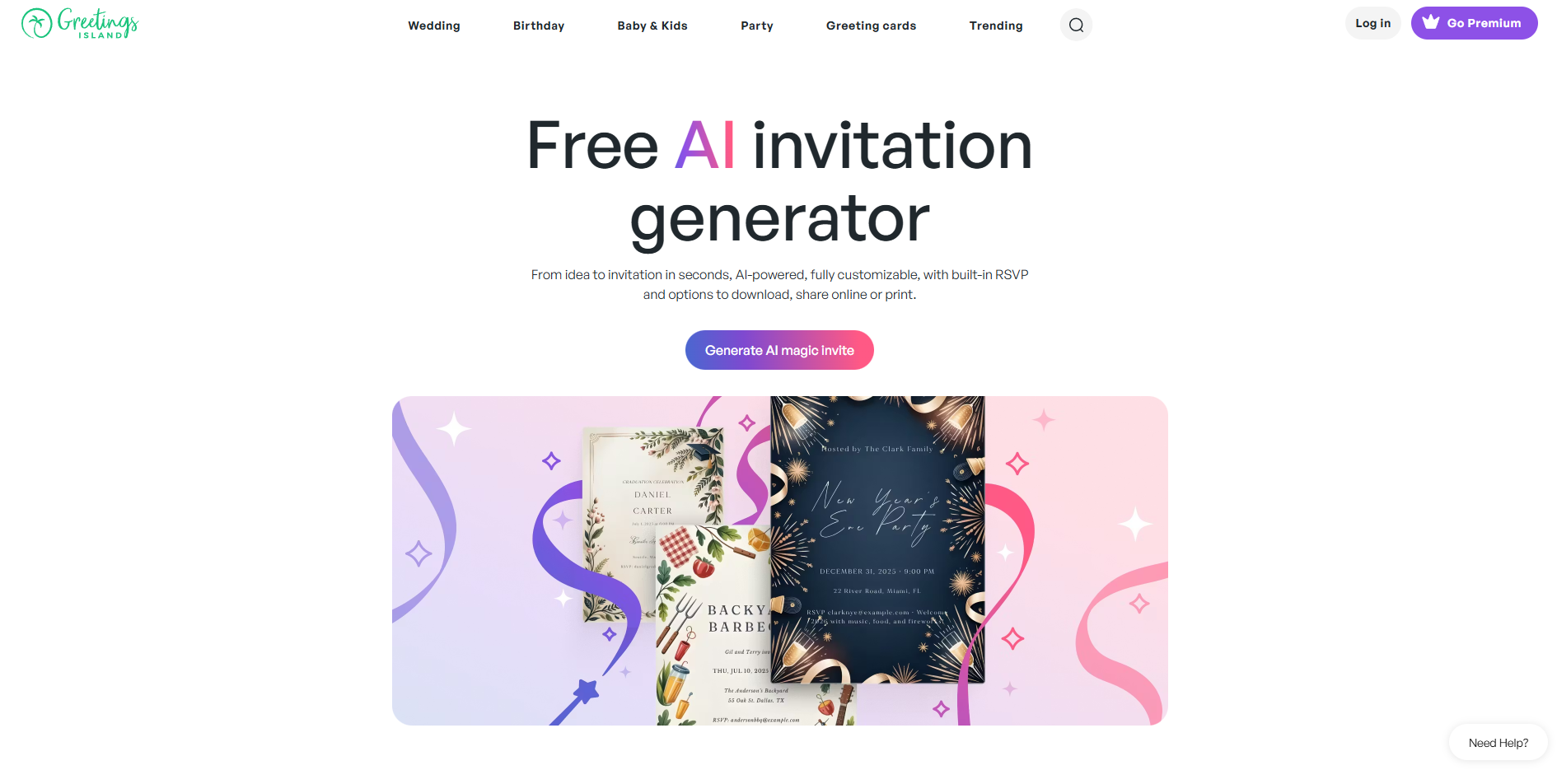
AI Invitation Generator
Describe your event, instantly get editable invitations.
About AI Invitation Generator
Advertiser Disclosure: Futurepedia.io is committed to rigorous editorial standards to provide our users with accurate and helpful content. To keep our site free, we may receive compensation when you click some links on our site.
Key Features
- Magic invite text prompts: Users type what the event is about, include date, time, place, and any special instructions, and the AI instantly creates a themed invitation layout.
- Full design editor control: AI outputs an editable design rather than a locked image, so users can move elements, change fonts and colors, add stickers, and tweak copy.
- Magic photo invitations: A dedicated “Magic photo” feature transforms an uploaded photo into an AI-styled invitation, matched to a chosen design family.
- Built-in RSVP and links: Invitations can include RSVP links, gift registry URLs, maps, and other call-to-action elements with a couple of clicks.
- Template library coverage: The AI sits on top of a large library of invitation categories, including weddings, kids’ birthdays, religious events, corporate parties, holidays, and more.
Pros
- Very quick creation: Turning a written idea into a usable invite layout in seconds saves substantial time compared with starting from a blank canvas.
- Friendly for non-designers: The interface and editor are simple enough for casual users, yet still offer granular control for those who care about typography and layout.
- Strong event specialization: The surrounding library of wedding, birthday, baby, holiday, and business templates gives the AI plenty of context for common celebration formats.
- Free AI generation: Users can generate AI invitations at no cost, which is attractive for occasional parties or one-off events.
- Privacy promises around AI training: Stated policy that user photos and event details are not used for AI training will reassure privacy-conscious hosts.
Cons
- Styling can feel similar across events: AI results sometimes echo the same visual trends, so users who want a very original or brand-specific look may need more manual editing.
- Focus on invitations only: Those seeking a broader design suite for logos, presentations, or social media may need additional tools.
- Premium upsell for heavier use: Extra AI credits and advanced download or sharing options are tied to a paid membership, which can limit frequent or business use on the free tier.