Adobe Podcast
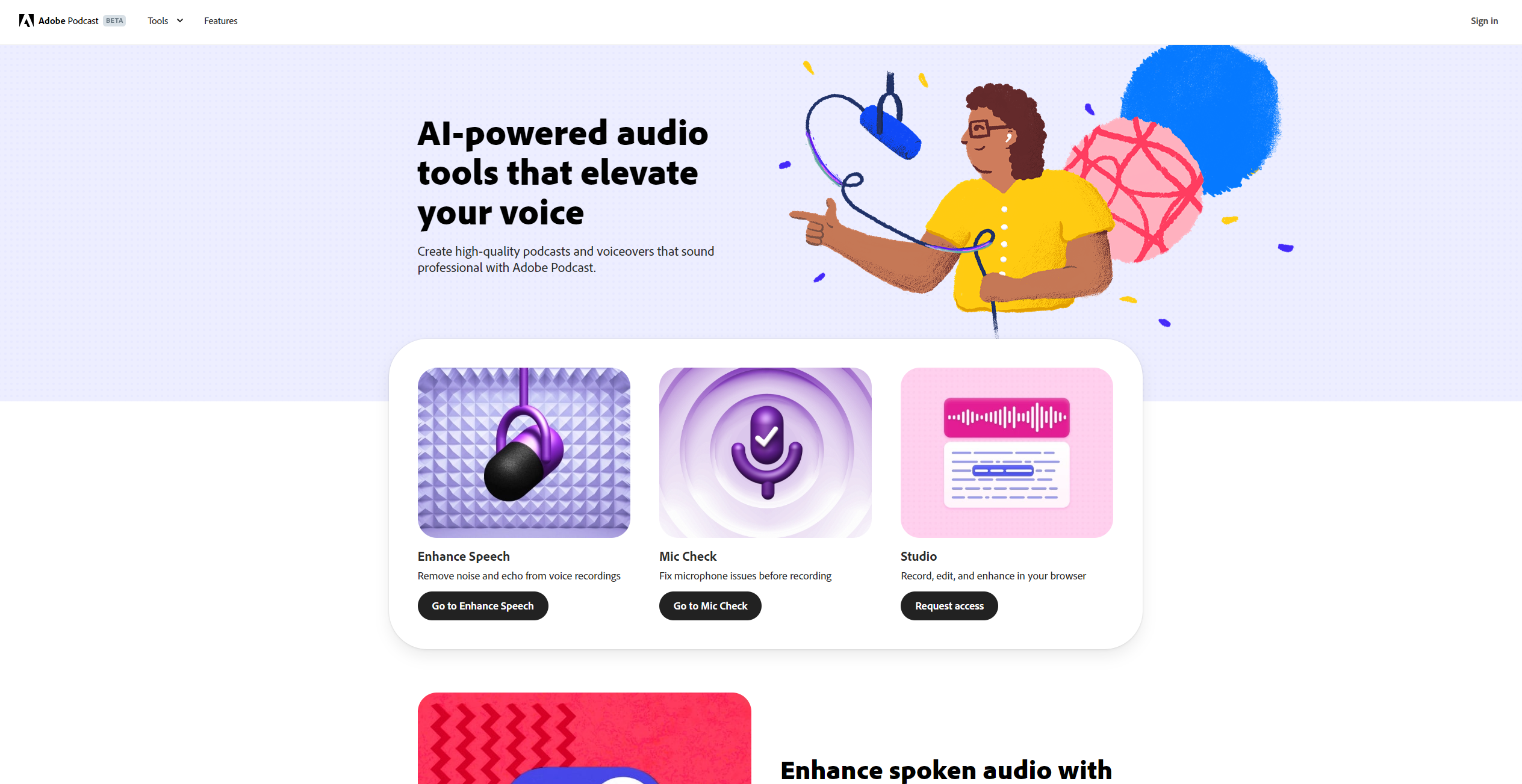
Upgrade your audio with powerful web-based enhancements and tools.
About Adobe Podcast
Advertiser Disclosure: Futurepedia.io is committed to rigorous editorial standards to provide our users with accurate and helpful content. To keep our site free, we may receive compensation when you click some links on our site.
Key Features
- AI-Powered Audio Enhancement: Automatically improves audio quality by reducing noise and enhancing clarity, ensuring professional-grade sound.
- Seamless Web-Based Editing: Offers a user-friendly interface for editing audio directly in your browser, eliminating the need for complex software installations.
- Speech-to-Text Transcription: Converts spoken words into editable text, making it easier to create transcripts or captions for your audio content.
- Collaboration Tools: Facilitates real-time collaboration with team members, allowing multiple users to work on a project simultaneously.
Pros
- User-Friendly Interface: The intuitive design makes it easy for users of all skill levels to create and edit audio content.
- Time-Saving Automation: AI-driven features streamline the editing process, significantly reducing the time needed to produce high-quality audio.
- High-Quality Output: Delivers professional-grade audio enhancement that rivals traditional studio setups.
- Versatile Functionality: Suitable for a wide range of audio projects, from podcasts to voiceovers and more.
Cons
- Limited Offline Capabilities: As a web-based tool, Adobe Podcast requires an internet connection for full functionality.
- Subscription Costs: May be considered expensive for hobbyists or small creators without a dedicated budget for audio tools.