ACE Studio
Create studio-ready vocals, choirs, and instruments from MIDI.
About ACE Studio
Advertiser Disclosure: Futurepedia.io is committed to rigorous editorial standards to provide our users with accurate and helpful content. To keep our site free, we may receive compensation when you click some links on our site.
Key Features
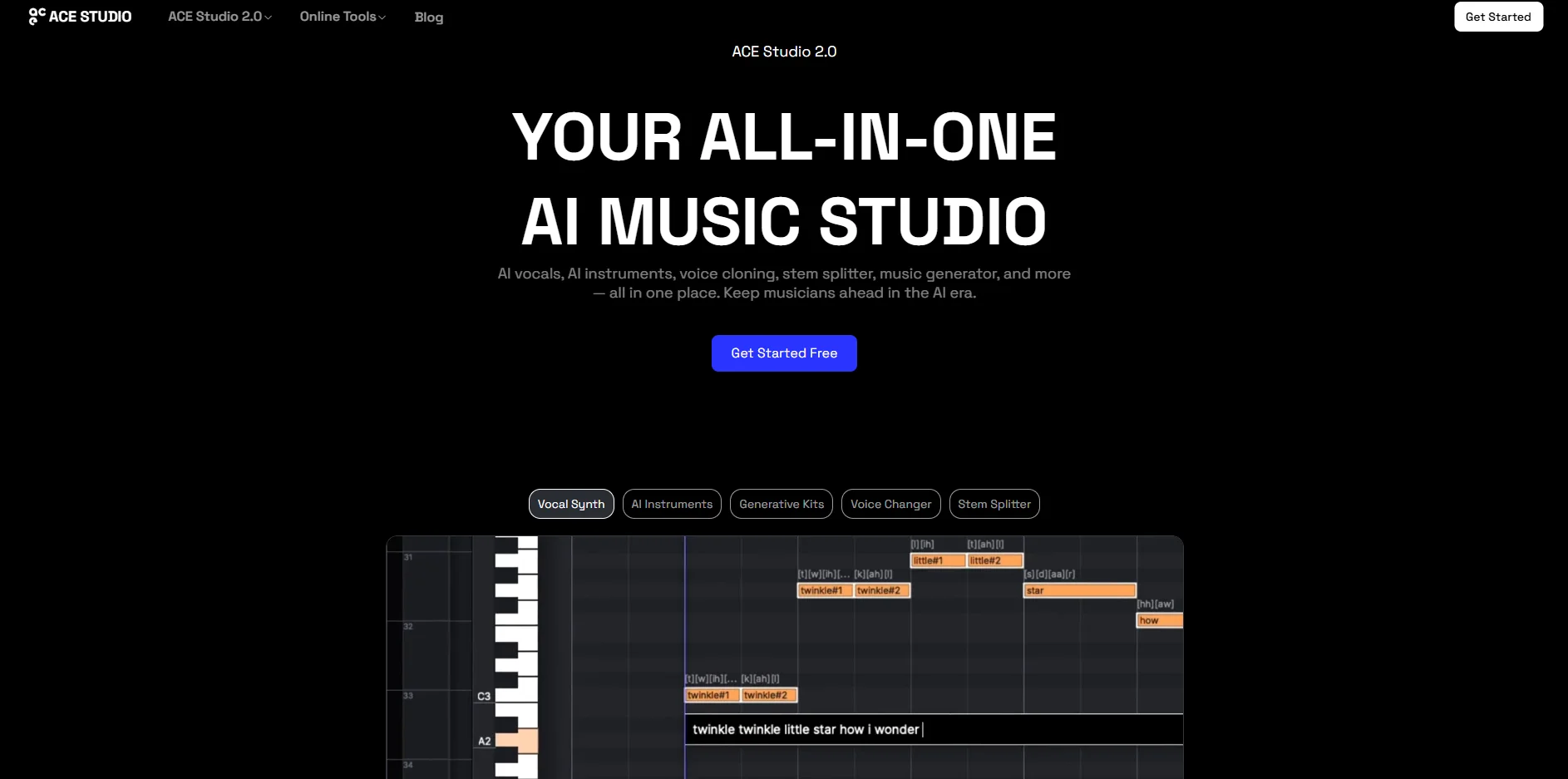
- AI Vocal Synth from MIDI and Lyrics: Generates highly realistic singing from MIDI notes and typed lyrics, with control over pronunciation, pitch, vibrato, breathing, and more.
- AI Choir and Voice Designer: Builds choirs from multiple AI voices and creates new hybrid voices by blending existing “VoiceSeeds” without custom training.
- Voice Cloning and Voice Changer: Trains custom singing voices from user recordings and transforms existing vocals into other singers or even instrument timbres.
- AI Instruments (Violin and More): Produces human‑like violin and other instruments from MIDI, avoiding bulky sample libraries.
- AI Music Tools Suite: Includes stem splitting, Vocal to MIDI with lyric extraction, and text‑to‑sample generation for loops and layers.
- ACE Bridge 2 DAW Plugin: Connects the desktop app with major DAWs via a VST3/AU/AAX instrument plugin for in‑session preview and recording.
Pros
- High Vocal Realism: AI singers and instruments sound convincing enough for commercial tracks when properly programmed.
- Deep Performance Control: Detailed parameters for emotion and tone (power, softness, breathiness, chest, timing) give producers mix‑ready nuance.
- Royalty‑Free Voice Library: Most built‑in voices and instruments are cleared for commercial use, with downloadable license certificates.
- Multi‑Language Support: Supports multiple languages and genres, from pop and EDM to cinematic, opera, and rap.
- Integrated Toolchain: Stem splitter, Vocal to MIDI, and text‑to‑sample tools reduce reliance on separate utilities.
- Ethical Positioning: Public commitment to responsible AI for music and collaboration with real singers improves trust for professional use.
Cons
- Not a Full Song Generator: Does not create full compositions like some text‑to‑song tools; users still need chords, arrangements, and production skills.
- Learning Curve for Non‑Musicians: Requires understanding of MIDI, arrangement, and DAWs to fully benefit from the feature set.
- Desktop Constraints: Runs as a desktop app with specific OS requirements, which may limit ultra‑mobile workflows.